
Patch Management Best Practices: Why Businesses Miss the Basics
A comprehensive guide to patch management best practices. Learn why companies fail, common errors, and how to secure your business effectively.

Patch Management and Security Updates: Why Businesses Miss the Basics?
In the modern IT world, no topic is more critical to your business's security than patch management best practices. Despite this, most companies in Israel struggle significantly to manage security updates in an organized manner. The issue? Patches (software updates) are not just another technical to-do list — they are your first line of defense against cyberattacks, security vulnerabilities, and downtime in your business's critical systems.
On the surface, managing security updates sounds like a simple technical task. In reality, it is a complex process involving tracking vendor releases, assessing compatibility with your environment, coordinating maintenance windows (downtime), pre-implementation testing, and the implementation itself. When any of these steps are done incorrectly — or not at all — your business exposes itself to significant risks.
What is Patch Management?
Patch management best practices refers to the organized process of identifying, evaluating, testing, and deploying software updates (patches) within an organization's IT systems. Patches can include security updates for Windows, infrastructure network fixes, server bug fixes, and security updates for critical applications like Microsoft 365, browsers, or identity management systems.
The primary goal is to ensure that every computer, server, application, and network device in your business runs on the latest, safest version. When companies like Microsoft, Cisco, or VMware release an update — it usually includes a fix for a newly discovered security vulnerability. If you don't apply the update in time, attackers already know about the flaw and can exploit it.
Why Do So Many Businesses Struggle with Patch Management?
The main reason is that internal IT staff, often in very small teams, find themselves constantly under the pressure of "firefighting" — dealing with daily tickets instead of engaging in proactive work like security updates.
1. Lack of Time and Resources
Evaluating every update requires time: reading release notes, understanding the impact on your environment, and checking compatibility. Many businesses simply don't allocate enough time for patch management, waiting until the system "updates itself" — or worse: never updating at all.
2. Complexity of the Technical Environment
Modern businesses operate in a hybrid environment: physical and virtual servers, employee laptops for office and home use, cloud environments like Microsoft 365 or Google Workspace, and dedicated applications. Each of these systems requires separate updates — and often, coordination between them to ensure they remain compatible after the update.
3. Fear of Downtime
Many businesses are afraid to apply updates because they fear it will disrupt daily operations. The thought "if it works — don't touch it" is very dangerous, because every day that passes without a security update is a day the business is at increased risk.
4. Lack of Suitable Management Tools
Without an automated tool for managing updates, every IT manager has to manually track updates for each device and update them individually. This is a slow process, prone to errors, and unscalable for businesses with dozens or hundreds of devices.
The Most Common Mistakes in Patch Management
From our experience working with hundreds of businesses in Israel, we see the same mistakes over and over:
Waiting for uncontrolled automatic updates: Windows automatic updates can install at any time, including critical times. That's not management — that's luck.
Ignoring third-party software updates: Browsers, Adobe, Java, and others — any application that connects to the network or receives files is a potential breach vector if not updated.
Failing to create a rollback point before updating: Without a prior backup, a broken update can turn into a disaster. Any patch management best practices process must include a step to create a recovery point.
Performing updates without compatibility testing: One update can break integration with a critical application. You must always check reports from companies like SentinelOne or Fortinet to ensure there are no known conflicts.
How to Implement Patch Management Best Practices in a Business?
Here are practical steps every business should take:
Step 1: Map All Technical Assets
Before starting to manage updates, you need to know what exists. Which computers? Which servers? Which applications are installed? What version of everything is running currently? Managing Microsoft Intune is an excellent tool for collecting this information and allows remote control over software updates on all devices.
Step 2: Create a Fixed Schedule
Companies like Microsoft publish security updates continuously. Your business needs a clear schedule: critical updates must be applied within 7-14 days of their release, and routine updates within 30 days. This isn't just advice — it's an industry standard practice.
Step 3: Compatibility Testing Before Implementation
Before upgrading the entire business, apply the update to a pilot group and ensure everything works correctly. This is especially important in environments with custom applications or ERP systems.
Step 4: Automation with Suitable Tools
ManageEngine Endpoint Central is an example of a tool that allows centralized management of software updates — including automatic detection of missing patches, compatibility checks, and scheduled deployment. In businesses with dozens or more devices, this isn't just fancy — it's essential.
Step 5: Continuous Monitoring and Documentation
Are all devices in the business up to date? When was the last update? Which updates failed? Without continuous monitoring, you are operating blind. Professional IT support often includes a proactive monitoring module that identifies and reports on outdated devices.
What Happens When You Don't Manage Patches?
The results can be devastating:
Security Vulnerabilities: Every known flaw without a patch is an open door to attackers.
Non-Compliance with Regulations: Information security standards (like ISO 27001) require organized management of security updates. Failing to meet this requirement damages business credibility.
Operational Disruption: Many ransomware attacks start via a flaw that already has a patch — but someone simply didn't bother to apply it.
The fact is that patch management best practices are among the simplest things to implement (technically) and also one of the hardest to enforce culturally. Because it requires discipline, coordination, and sometimes patience — for stressed businesses.
Patch Management Should Be Viewed as Part of a Bigger Picture
Security updates are only one part of business security. To build complete protection, you need to integrate it with:
Continuous Backup: Even if everything is updated, you still need backups. Acronis Cyber Protect combines security and backup intelligently.
Network Security: A Managed Firewall reduces the exposure of your endpoints to external threats.
EDR/XDR: Tools like SentinelOne provide proactive endpoint protection, even if a patch was missed.
Related posts

Can Someone Send Emails as Your Company? DMARC Can Stop It
A simple business guide to SPF, DKIM, DMARC, and why protecting your email domain is essential to prevent spoofing, payment fraud, and brand damage.

Microsoft 365 Security: 10 Settings Every Israeli Business Must Configure in 2026
Phishing, account takeover and Business Email Compromise are the #1 threat to Israeli businesses. A practical guide - 10 Microsoft 365 security settings that block most attacks before they start.
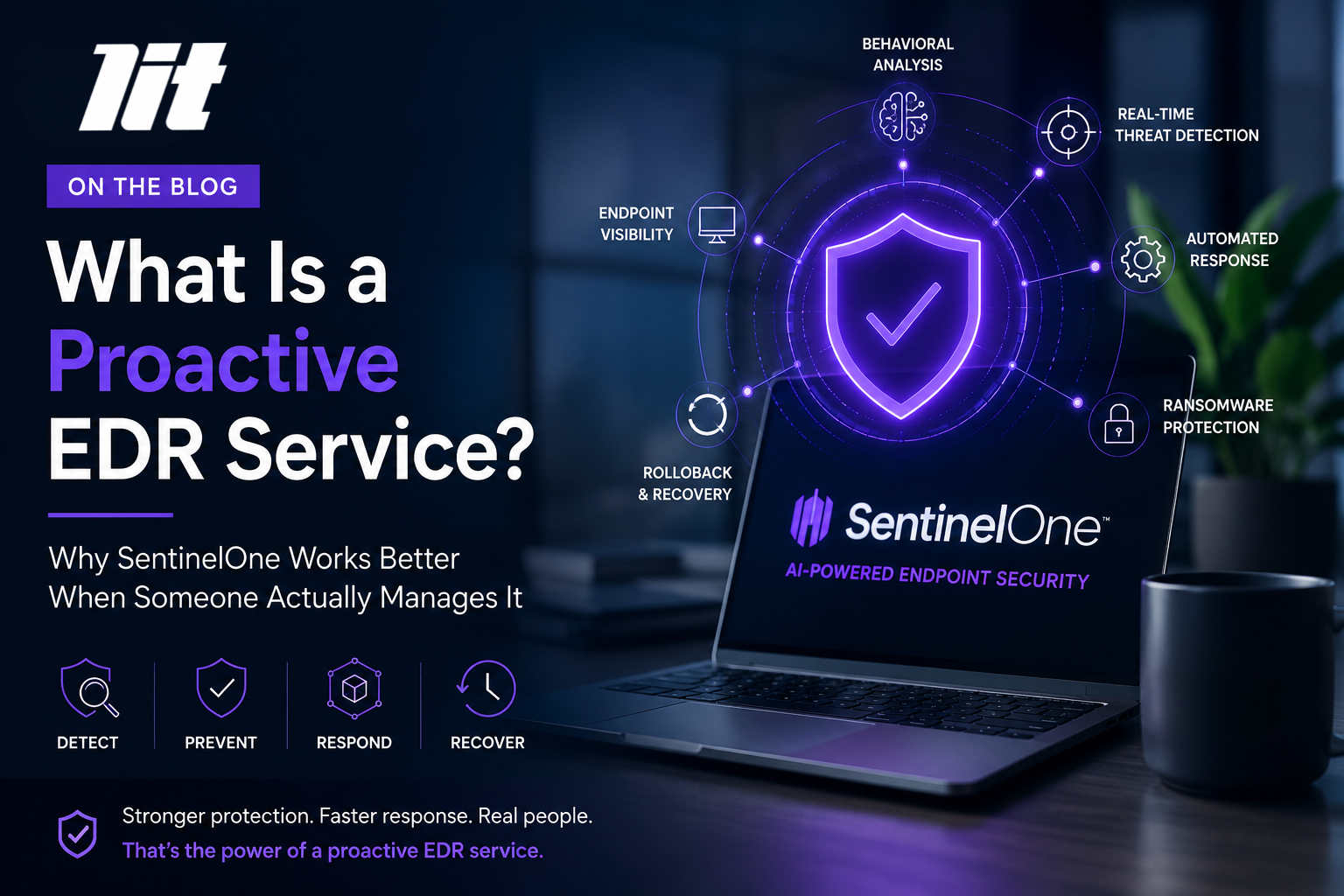
What Is a Proactive EDR Service? Why SentinelOne Works When It's managed
A proactive EDR service is not just endpoint security software. It is a managed security approach that combines an advanced EDR solution like SentinelOne with human monitoring, policy tuning, alert review, threat response, and ongoing improvement.