Microsoft 365 Security: 10 Settings Every Israeli Business Must Configure in 2026
Phishing, account takeover and Business Email Compromise are the #1 threat to Israeli businesses. A practical guide - 10 Microsoft 365 security settings that block most attacks before they start.
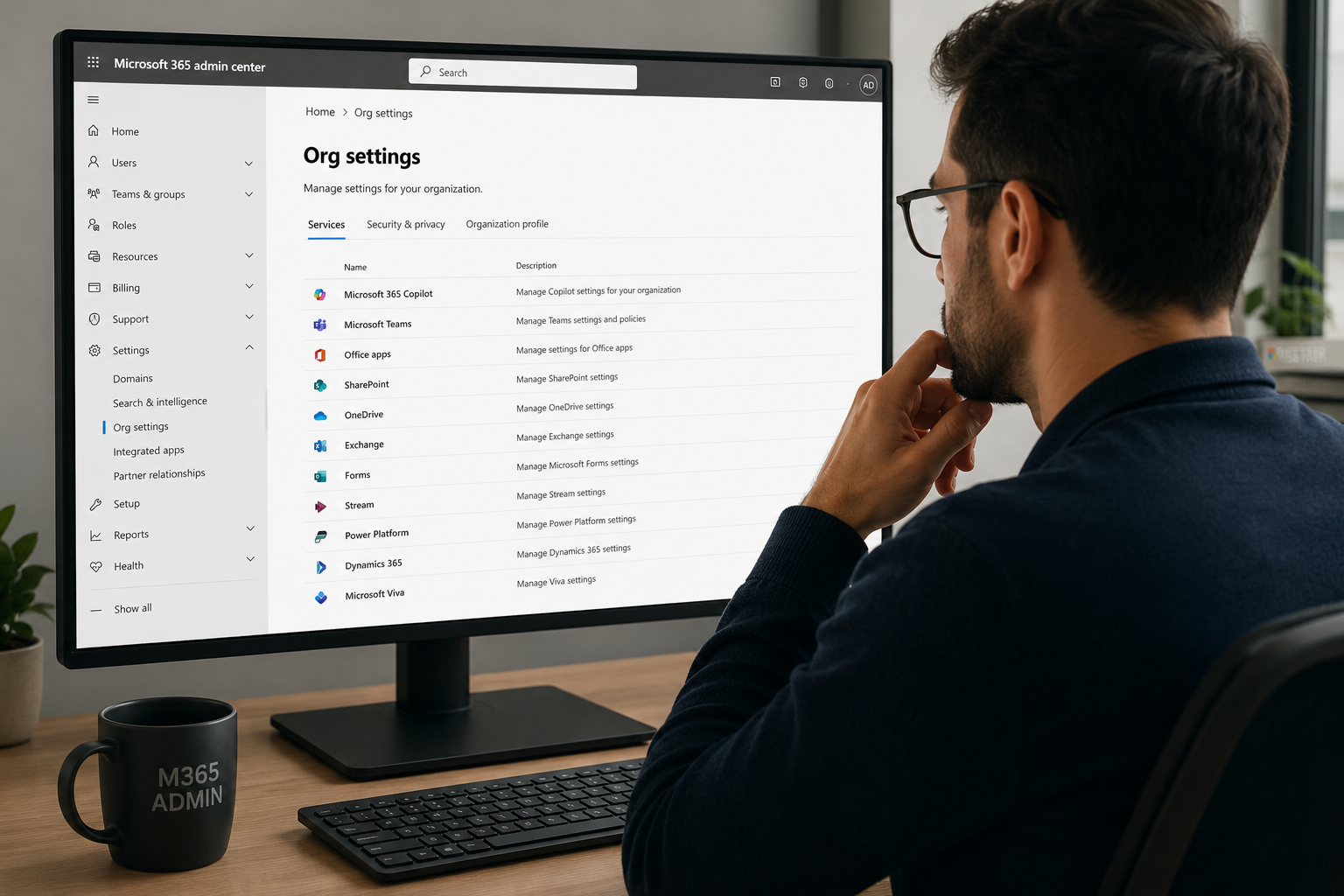
If your business runs on Microsoft 365, you already know email, Teams and SharePoint are the heart of daily operations - and the #1 target for attackers. Per Microsoft and CISA, over 90% of attacks on businesses start in email, and the default Microsoft 365 settings are not enough to stop them.
Why Microsoft 365 defaults aren't enough
Microsoft 365 ships defaults that favor convenience over security. Without active hardening, users can sign in from anywhere, attackers can create silent inbox-forwarding rules, audit logs are short, and there is no real external backup.
The 10 critical Microsoft 365 security settings
- Enforce MFA via Conditional Access on all users, especially Global Admins. Keep two FIDO2 Break-Glass accounts.
- Block Legacy Authentication (POP3, IMAP, SMTP Basic) - it bypasses MFA.
- Conditional Access by geography - block sign-ins from countries irrelevant to your business.
- Enable Microsoft Defender for Office 365 - Safe Links, Safe Attachments, Anti-Phishing.
- Anti-Phishing + Impersonation Protection for executives and your domain - stops most BEC attacks.
- SPF, DKIM and DMARC on your domain. Move DMARC to
p=rejectafter monitoring. We recommend EasyDMARC. - Monitor suspicious Inbox Rules - attackers create forwarding rules after takeover.
- Restrict third-party OAuth apps - require admin consent for sensitive scopes.
- Enable Unified Audit Log and extend retention beyond the 90-day default.
- External Microsoft 365 backup - Recycle Bin is not a backup. Use Acronis Cyber Protect for Exchange, SharePoint, OneDrive and Teams.
Recommended rollout order
This week: MFA + block Legacy Auth + Audit Log. This month: DMARC + Defender + Impersonation Protection. This quarter: Conditional Access geo + OAuth restrictions + Inbox Rule monitoring + Acronis backup.
How 1iT helps Israeli businesses close these gaps
As part of our cyber security solutions, we run a Microsoft 365 security review covering these 10 items and more, present clear risk-ranked gaps and harden the environment without breaking workflows. As a Microsoft Solutions Partner and Acronis Platinum Partner with over 30 years of experience, we know the platform inside out.
Want to know where you stand? Talk to us for an initial Microsoft 365 security review.
Related posts
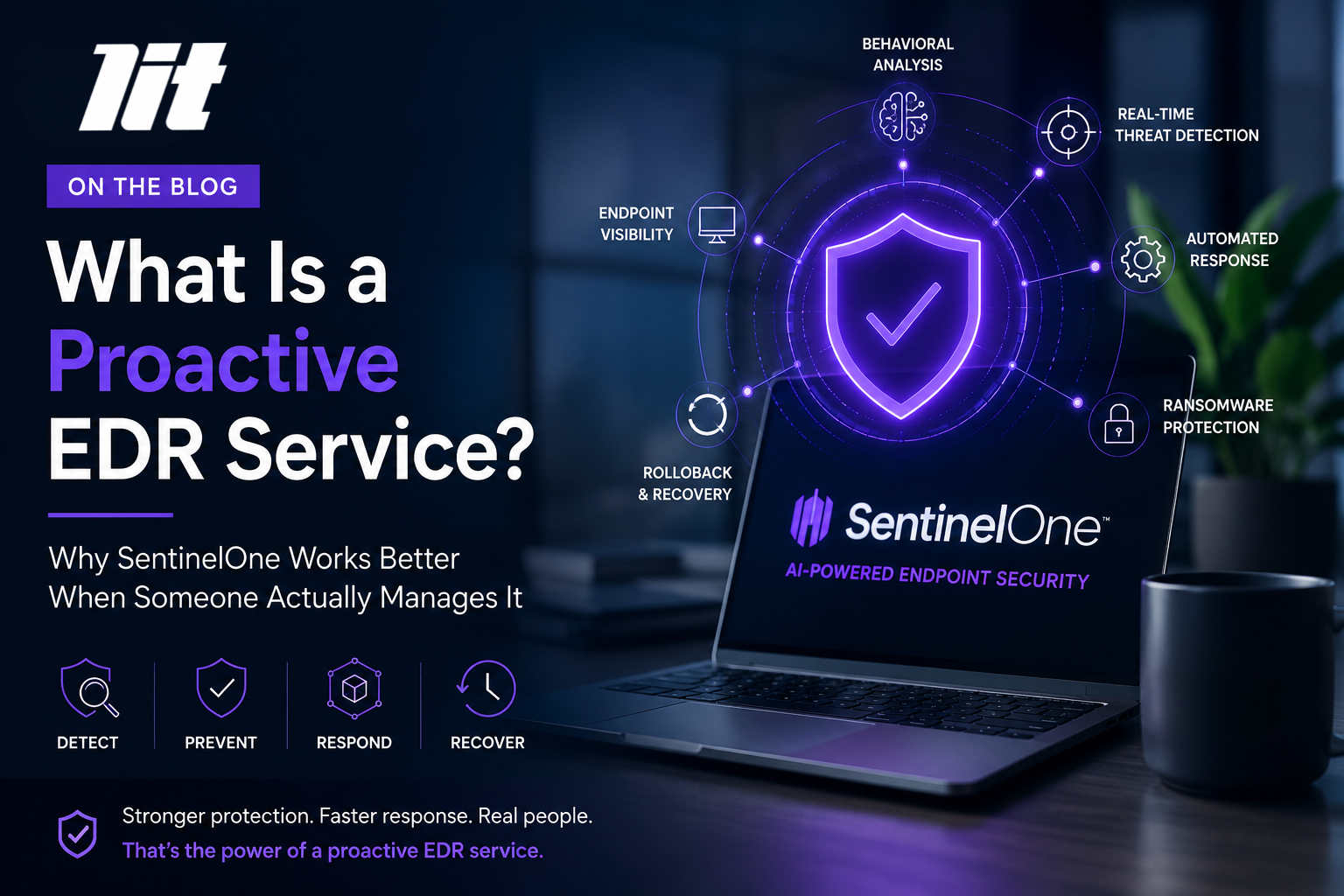
What Is a Proactive EDR Service? Why SentinelOne Works When It's managed
A proactive EDR service is not just endpoint security software. It is a managed security approach that combines an advanced EDR solution like SentinelOne with human monitoring, policy tuning, alert review, threat response, and ongoing improvement.
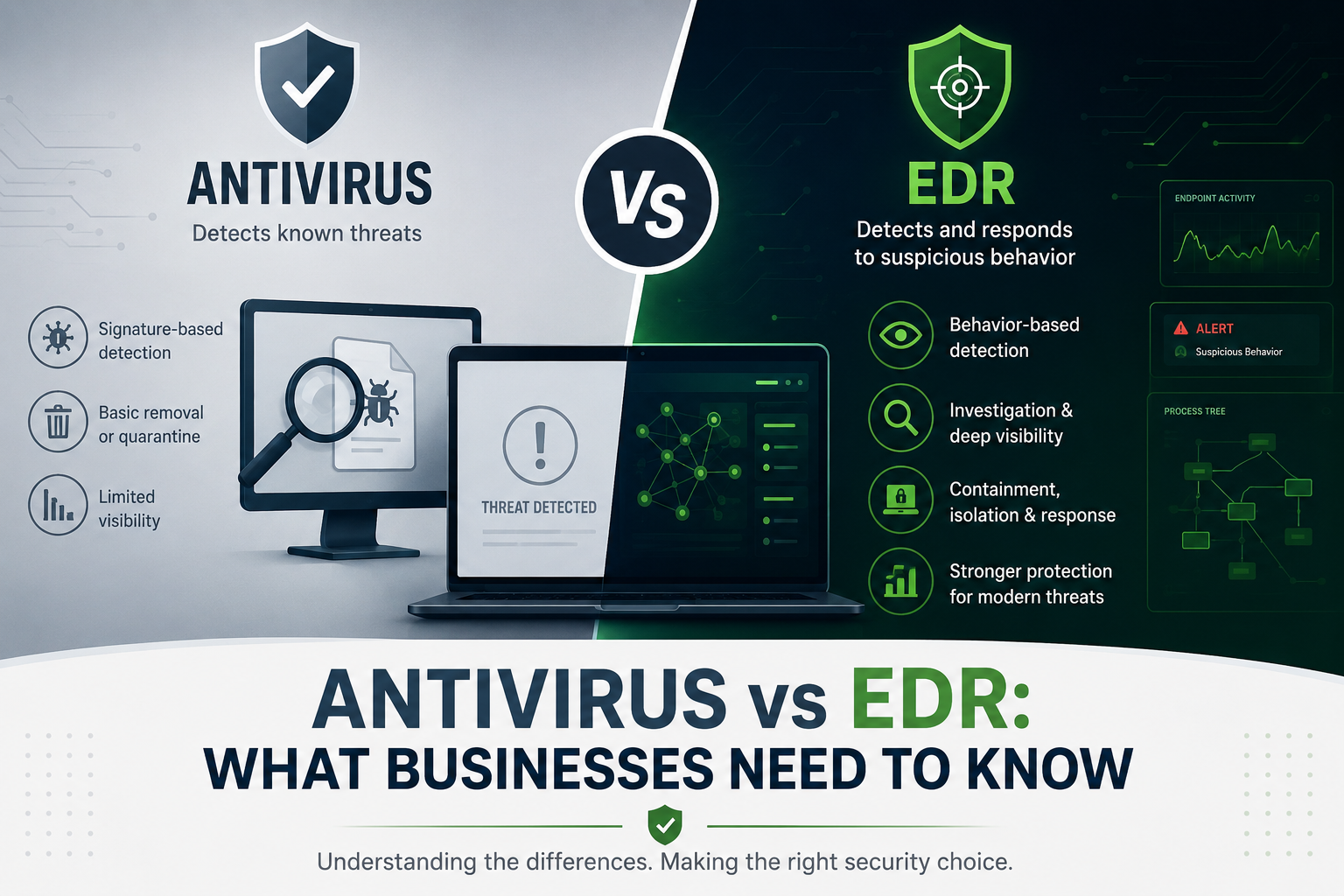
Antivirus vs EDR: What Businesses Need to Know
Antivirus and EDR are not the same. Learn how EDR improves endpoint security, why old antivirus is no longer enough, and when businesses should consider SentinelOne.
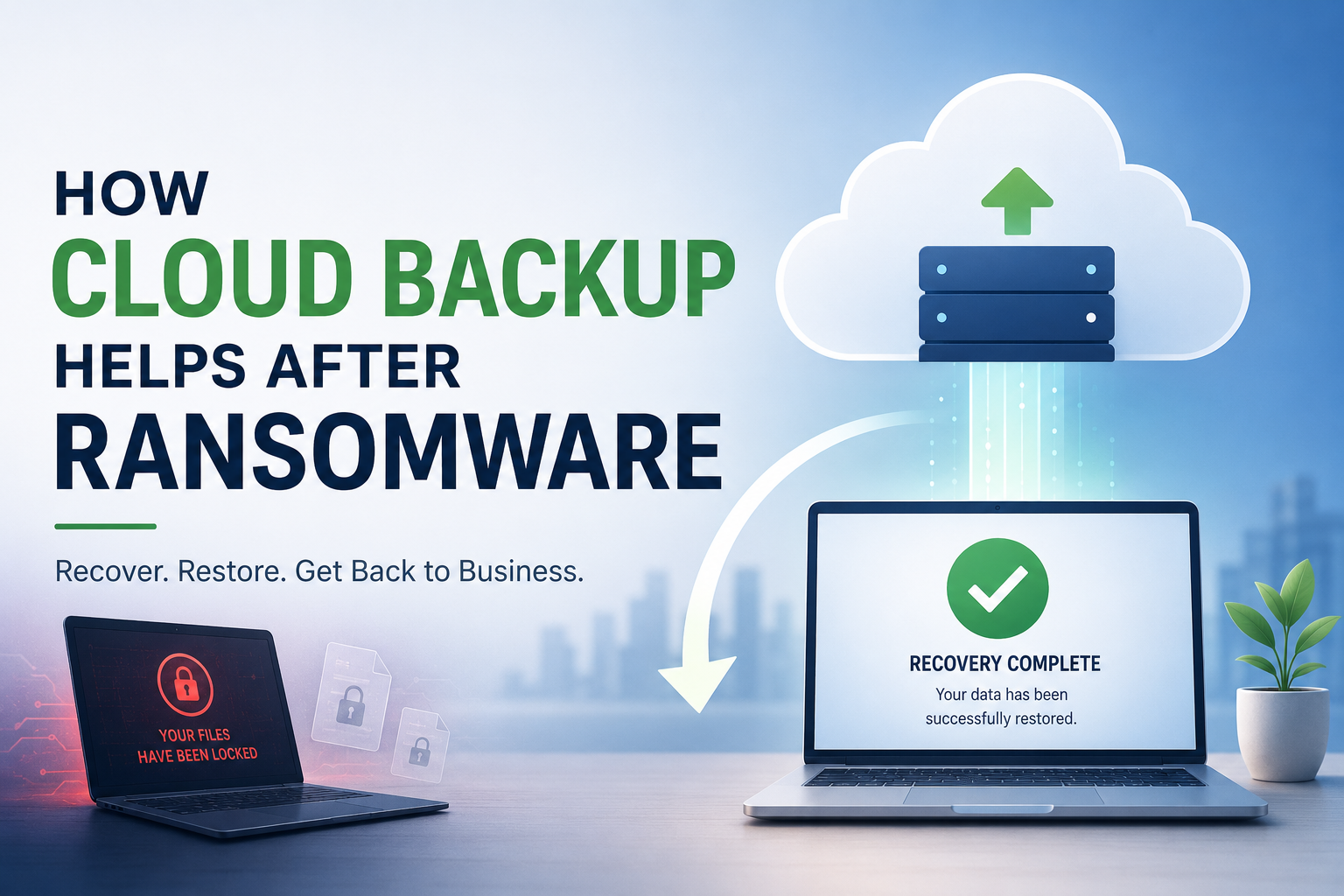
How Cloud Backup Helps After Ransomware
Cloud backup helps businesses recover after ransomware by restoring clean data, reducing downtime, and supporting business continuity when files are encrypted or deleted.