
Microsoft 365 Email Security: Is Built-in Protection Enough?
Discover what built-in Microsoft 365 protection covers, when you need Defender, SPF, DKIM, DMARC, or an extra anti-phishing layer to stop BEC.
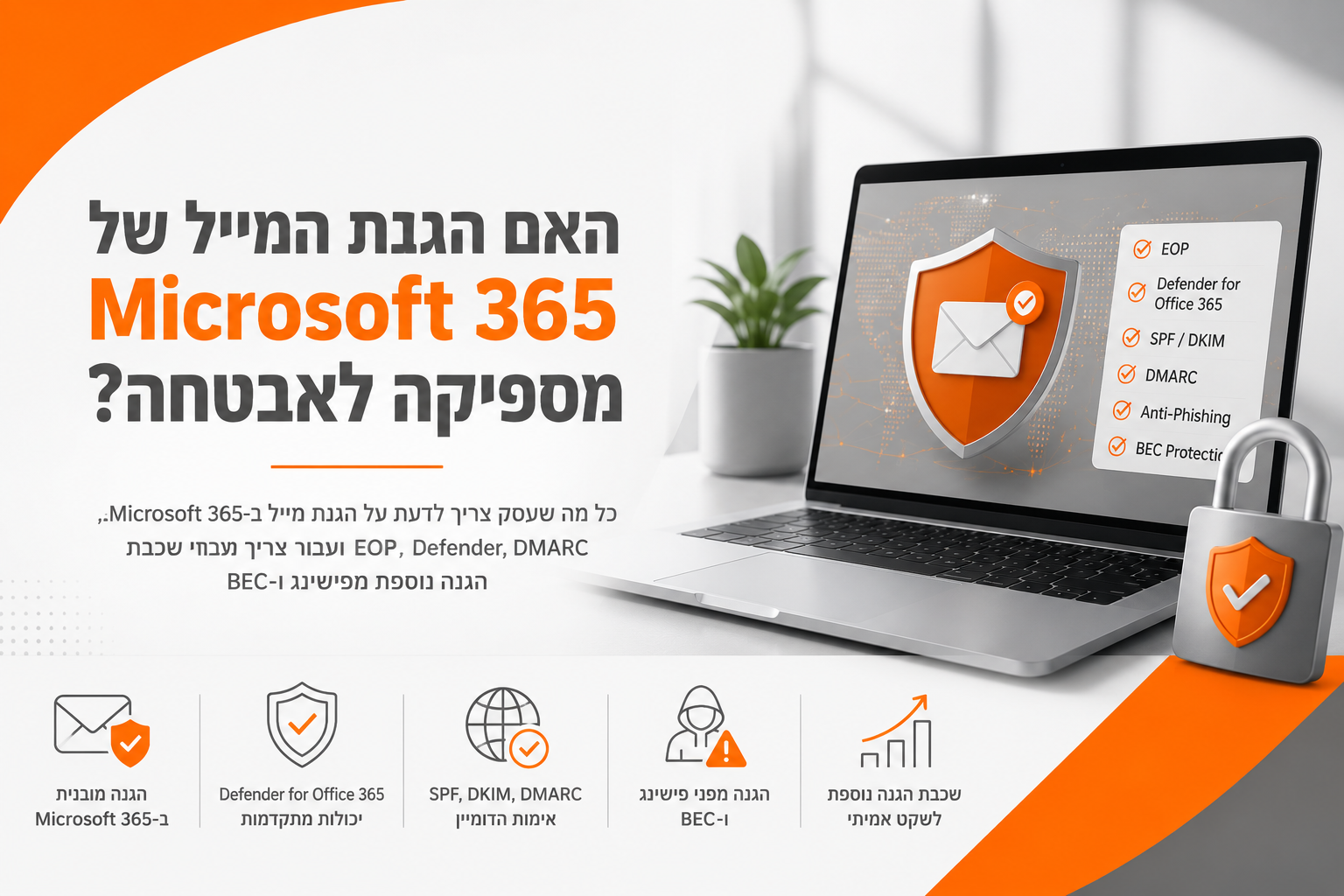
Microsoft 365 Email Security: Is Built-in Protection Enough?
The short answer: Microsoft 365 provides a significant foundation of protection, but actual security levels depend on licensing, configured policies, domain protection, and the organization's ability to detect and remediate incidents after a message has reached the inbox. For some businesses, built-in protection is sufficient; for others, an additional layer against phishing, BEC, and account takeover is required.
Many businesses assume that if their mailboxes are in Microsoft 365, email security is already taken care of. The assumption is not baseless: Microsoft operates spam and malware filtering, spoof detection mechanisms, anti-phishing policies, and advanced capabilities against malicious links and files. The problem begins when treating the product, licensing, and ongoing operations as identical. You can hold an advanced license and only enable part of its features, or configure good protections without anyone monitoring alerts, user reports, or recurring impersonation attempts.
The Most Important Principle Email security is not a single product. It is built in layers: built-in filtering, Defender for Office 365, domain authentication via SPF/DKIM/DMARC, monitoring and response, and sometimes an additional dedicated protection platform. |
The Four Security Layers Every Business Should Know
Layer | What It Includes | What It Solves |
|---|---|---|
1. Built-in Protection | Spam, malware, spoofing, and basic anti-phishing filtering | Known, widespread signature- or reputation-based attacks |
2. Defender Layer | Safe Links, Safe Attachments, impersonation protection, investigation and response per plan | Dangerous links/files, advanced phishing, BEC, and zero-day threats |
3. Domain Authentication | SPF, DKIM, and DMARC | Unauthorized use of the corporate domain and sender spoofing |
4. Operations & Additional Layer | Monitoring, user reporting, remediation, behavioral analysis, and response workflows | Threats bypassing filters, compromised accounts, and sophisticated spoofing |
What Does Microsoft 365 Provide for Every Cloud Mailbox?
Every organization with cloud mailboxes in Microsoft 365 receives built-in protection capabilities. This layer is designed to stop known, widespread attacks and includes spam and malware filtering, Spoof Intelligence, and basic anti-phishing policies. This is a solid starting point, but it is not identical to Microsoft Defender for Office 365.
The right question is not just "Do we have Microsoft 365?" but: which plan is active, which users are assigned licenses, what policies are applied, who receives alerts, and what happens when a suspicious email is reported by an employee?
What Does the Advanced Protection Layer Add to Corporate Mail?
Defender for Office 365 Plan 1
The foundational plan adds advanced prevention and detection capabilities on top of built-in protection, including Safe Links, Safe Attachments, user and domain impersonation protection, phishing thresholds, and real-time detection capabilities. It is suitable for businesses seeking enhanced protection against dangerous links, files, phishing, and BEC without running a full SOC team.
Licensing Update for July 2026 Defender for Office 365 Plan 1 is included in Microsoft 365 Business Premium. Starting July 2026, it is also included in Microsoft 365 and Office 365 E3 suites. It is still necessary to ensure licenses are assigned and policies are actively applied. |
Defender for Office 365 Plan 2
The advanced plan adds deeper investigation, hunting, automation, and response capabilities. It includes features such as Threat Explorer, automated investigation and response (AIR), priority account protection, and phishing simulations. It is suitable for organizations that need to not only block messages, but also investigate campaigns, understand which users were impacted, and execute broad post-detection response.
Plan | Primary Focus | Key Capabilities |
|---|---|---|
Plan 1 | Prevention and detection | Safe Links, Safe Attachments, impersonation protection, phishing thresholds, and real-time detection |
Plan 2 | Investigation, automation, and response | Threat Explorer, Hunting, automated investigation, phishing simulations, and advanced SOC capabilities |
Why Defaults Are Not the End of the Process
Microsoft provides recommended policies and preset security baselines, but effective protection requires organizational decisions: which users are high-value targets, which domains and vendors must be protected from impersonation, what phishing threshold to set, how failed messages are handled, and who reviews user reports.
An overly aggressive policy can block legitimate email, while a lenient configuration leaves security gaps. Email security is an operational process: you need to review reports, minimize risky bypass lists, analyze false positives, update high-value user lists, and evaluate emails that reached the inbox.
How Does Domain Authentication Protect Mail?
These three protocols address sender identity and domain trust. SPF defines which servers are authorized to send mail on behalf of the domain. DKIM adds a cryptographic signature to verify the message was sent by an authorized party and was not altered in transit. DMARC ties these checks together, allows you to define policies for handling failed messages, and provides reports on domain activity.
What DMARC Stops Well
- Direct From header spoofing using your domain.
- Emails sent from unauthorized systems using your organization's name.
- Certain impersonation attempts targeting clients and vendors using your domain identity.
What DMARC Cannot Stop Alone
- Lookalike domains, such as character substitutions or added hyphens.
- Messages sent from a compromised legitimate vendor account.
- Display name impersonation where the actual sender address differs.
- Phishing sent from legitimate email services or an attacker's authenticated domain.
- Malicious links, dangerous files, or QR codes within a message that does not spoof your domain.
Why Modern Phishing Still Gets Through
Phishing attacks do not always rely on obvious malicious attachments or spoofed domains. Attackers utilize post-click dynamic links, CAPTCHA pages, QR codes, legitimate cloud hosting services, compromised accounts, and short conversational introductory messages. In many BEC attacks, there are no links or attachments at all, only a request to change bank details, approve a payment, or transfer information.
A Stat Illustrating the Shift In Q1 2026, Microsoft detected billions of phishing threats, most of which were link-based. BEC activity remained widespread, and QR code phishing volume more than doubled during the quarter. |
The business implication is simple: static filtering alone is insufficient. The defense system must analyze links at the time of click, detect impersonation patterns, monitor anomalous behavior, and handle messages even after delivery to the inbox.
When Is It Right to Add a Dedicated Email Security Layer?
Not every organization needs to add an additional product to Microsoft 365. When licensing is appropriate, policies are configured, and operations are active, Defender can deliver strong protection. An extra layer becomes relevant when the risk profile or operational limitations warrant it.
- Finance, executive, or procurement teams regularly receive payment requests and bank detail updates.
- The organization experiences BEC attempts, CEO fraud, or vendor impersonation.
- There is no dedicated security team to review alerts, investigate messages, and perform remediation.
- Behavioral protection is required to understand normal communication patterns and detect anomalous senders.
- The organization requires a simple reporting button with fast feedback for employees.
- Automated or rapid cross-mailbox removal of malicious messages is needed upon detection.
- The environment uses a mix of Microsoft 365, Google Workspace, or heterogeneous mail systems.
- Management demands visibility, reporting, and a managed service beyond basic licensing.
When Does a Solution Like IRONSCALES Make Sense?
Defender is deeply integrated into Microsoft 365 and can be an excellent choice when the organization holds the appropriate licenses and actively manages policies. IRONSCALES can add a focused email security layer with behavioral analysis, mailbox-level detection, user reporting, and automated remediation. It is particularly suitable when the organization wants to minimize manual overhead, detect anomalies in sender-recipient relationships, and react swiftly to delivered messages.
The right choice is not "Microsoft versus another product." First, evaluate licensing, configuration, coverage, and operations. Then, add a layer only if it solves a real gap: BEC, behavioral detection, fast response, visibility, or staffing shortages.
Seven Checks to Reveal if Your Email Protection Is Truly Active
1. Verify which Microsoft 365 package is assigned to each user and whether Defender Plan 1 or Plan 2 is included.
2. Ensure that Standard or Strict Preset policies are applied to the appropriate user groups.
3. Configure sensitive users and domains for impersonation protection, especially executives, finance, and procurement.
4. Verify Safe Links and Safe Attachments, including coverage for Teams, SharePoint, and OneDrive as needed.
5. Validate SPF, DKIM, and DMARC for all active domains, as well as non-sending parked domains.
6. Confirm who handles user-reported messages and measure the response time.
7. Review reports, Allow/Block Lists, inbox-delivered threats, and phishing incidents from recent months.
Email Protection Doesn't End at the Inbox
Even an excellent filtering system does not eliminate the need for MFA, identity management, endpoint protection, and verified business processes for payment approvals. If an attacker steals a session or convinces an employee to modify bank details, the organization needs additional layers to stop the incident. When replacing a phone used for MFA, follow our guide to transferring Microsoft Authenticator to a new phone to maintain access to Microsoft 365.
- Strong MFA and Conditional Access for Microsoft 365 accounts.
- EDR on endpoints to detect malware, credential harvesting, and suspicious behavior.
- Independent Microsoft 365 backup for data and mailbox recovery.
- Mandatory phone verification protocol for bank detail changes or unusual payment requests.
- Concise security awareness training based on real threats observed by the organization.
- A clear incident response procedure for employees who click a link or submit credentials.
Frequently Asked Questions
Do Microsoft 365 mailboxes include spam and phishing protection?
Yes. Cloud mailboxes include built-in protections against spam, malware, and spoofing. Advanced capabilities against dangerous links, attachments, and impersonation are available in Defender for Office 365 depending on licensing.
Does Microsoft 365 Business Premium include Defender for Office 365?
Yes. As of July 2026, Business Premium includes Defender for Office 365 Plan 1. Make sure licenses are assigned to users and policies are configured in practice.
Is DMARC alone enough to stop phishing?
No. DMARC reduces direct spoofing of your domain, but it does not stop lookalike domains, compromised legitimate accounts, malicious links, or display name impersonation. It is a necessary layer, but not a standalone solution.
What is the difference between Defender Plan 1 and Plan 2?
Plan 1 focuses primarily on prevention and detection using Safe Links, Safe Attachments, and impersonation protection. Plan 2 adds advanced capabilities for investigation, hunting, automation, response, and phishing simulations.
When should you add a dedicated solution like IRONSCALES?
When there is a high risk of BEC and impersonation, no dedicated team to manage Defender continuously, or a need for specialized email-level detection, reporting, and remediation. The decision should be based on risk and operational capacity, not feature checklists alone.
Microsoft 365 Can Be a Strong Foundation—If Configured Correctly
Microsoft 365 is not an unprotected email service, nor is it a silver bullet that eliminates all risk. Organizations must know what is included in their subscription, apply proper policies, protect their domains, and ensure someone actively monitors system detections.
The right approach is to start by auditing licensing, configuration, coverage, and operations. Add an additional security layer only when it addresses a clear gap: behavioral detection, rapid response, visibility, or dedicated staffing.
Unsure Which Protection Layers Are Active in Your Organization? Our security audit maps your Microsoft 365 licensing, Defender policies, domain settings, and phishing exposure, prioritizing operational gaps. |
Related posts
Microsoft 365 Security: 10 Settings Every Israeli Business Must Configure in 2026
Phishing, account takeover and Business Email Compromise are the #1 threat to Israeli businesses. A practical guide - 10 Microsoft 365 security settings that block most attacks before they start.

Microsoft 365 Is Not Secure by Default
What every business should know about protecting users, data, identities, and cloud environments inside Microsoft 365.