
Microsoft 365 Is Not Secure by Default
What every business should know about protecting users, data, identities, and cloud environments inside Microsoft 365.

What every business should know about protecting users, data, identities, and cloud environments inside Microsoft 365.
Introduction
Microsoft 365 is one of the most important platforms inside modern businesses. It holds your email, files, Teams conversations, identities, permissions, devices, and in many cases, your entire day-to-day operation. But there is one dangerous assumption many organizations still make: "We use Microsoft 365, so we are already secure."
That is not true.
Microsoft 365 gives businesses a strong security foundation, but it does not automatically mean the environment is properly protected, configured, monitored, or hardened. In many organizations, the biggest risks do not come from missing tools. They come from tools that were never configured correctly.
Default settings are not a security strategy.
Watch the Webinar Recording
The full webinar recording is available below:
The Real Problem: Microsoft 365 Is Powerful, But Often Misconfigured
Many businesses use Microsoft 365 Business Premium, but only use part of what they are paying for. The licenses may include important security capabilities, but the environment is often left with weak identity policies, unmanaged devices, legacy authentication methods, poor alert handling, and unclear access controls.
That creates a dangerous gap between having security features and actually being protected.
Common Microsoft 365 security gaps include:
- Weak or inconsistent identity policies
- Legacy authentication still enabled
- SMS-based authentication instead of stronger MFA methods
- Phishing and mail fraud attempts targeting employees
- Suspicious sign-ins that are not blocked quickly enough
- Unmanaged devices accessing company data
- Third-party applications with excessive permissions
- Security alerts that are either too noisy or completely ignored
- No clear incident response process or security runbooks
The result is simple: attackers do not need to break Microsoft 365. They only need to find the settings your organization forgot to configure.
Identity Is the First Place to Start
In Microsoft 365, identity is the new perimeter. Your users are the front door to your business environment. If an attacker compromises a user account, they may gain access to email, Teams, OneDrive, SharePoint, internal documents, customer communication, invoices, and sensitive business data.
That is why identity protection should be one of the first areas every business reviews.
At minimum, organizations should review:
- MFA enforcement
- Conditional Access policies
- Sign-in risk policies
- Legacy authentication blocking
- Admin account protection
- Guest user access
- Password reset policies
- Privileged role assignments
Legacy Authentication Is Still a Major Risk
One of the most common issues in Microsoft 365 environments is legacy authentication. Legacy authentication methods were designed before modern security requirements became standard. They often do not support strong MFA enforcement and can become an easy target for attackers.
If legacy authentication is still enabled, your organization may be exposed even if you believe MFA is active. Reviewing and blocking older protocols through Conditional Access is one of the fastest ways to reduce account takeover risk.
Phishing and Mail Fraud Are Not Just Email Problems
Email remains one of the most common attack paths into a business. Attackers use phishing, impersonation, fake invoices, malicious links, and credential harvesting pages to target employees. Once an account is compromised, the damage can spread quickly.
A compromised mailbox can be used to:
- Send fraudulent payment requests
- Access confidential conversations
- Delete or manipulate emails
- Impersonate executives
- Target customers or suppliers
- Move laterally across the organization
Microsoft Defender for Office 365 can help reduce this risk, but only when it is properly configured and monitored. It should also be paired with domain protection through DMARC to prevent attackers from impersonating your own domain.
Unmanaged Devices Create Uncontrolled Risk
If employees can access company data from unmanaged laptops, personal devices, or unknown endpoints, the organization loses visibility and control. This creates risk around data leakage, malware exposure, lost or stolen devices, unpatched operating systems, and sensitive files leaving company control.
Microsoft Intune and Defender for Business can help organizations manage devices, enforce compliance policies, and reduce endpoint risk. A secure environment should not only ask, "Who is logging in?" It should also ask, "From which device, under what conditions, and with what level of trust?"
Third-Party Apps Can Quietly Become a Security Problem
Many businesses connect third-party applications to Microsoft 365 without reviewing the permissions they request. Some applications ask for broad access to mailboxes, files, calendars, contacts, or user data. Over time, these permissions can become a hidden security risk.
Organizations should regularly review Enterprise Applications, OAuth permissions, Admin Consent settings, App Registrations, external sharing, unused integrations, and high-risk third-party access. If you do not know which applications have access to your tenant, you do not fully know who can access your data.
Alert Noise Is Not Security
Many organizations have one of two problems: they either receive too many security alerts and do not know what matters, or they receive almost no alerts at all. Both are dangerous.
A proper security process should include alert review, prioritization, escalation paths, incident response runbooks, user and device investigation, sign-in analysis, documentation, and continuous improvement.
Tools like Microsoft Sentinel can help centralize alerts and support a SOC process, but technology alone is not enough. The business also needs a clear response workflow, which can be built together with a professional IT support team.
Does Every Business Need Microsoft 365 E5?
Not always. Microsoft 365 E5 includes advanced enterprise security capabilities, especially around identity protection, compliance, and advanced threat detection. It can be valuable for organizations with higher risk, regulatory requirements, sensitive data, or more complex environments.
But in many cases, not every user needs E5. A smarter approach is often to combine Microsoft 365 Business Premium with targeted security add-ons based on actual business risk, for example for executives, finance teams, IT administrators, HR users, users handling sensitive customer data, and high-risk departments.
The goal is not to buy the most expensive license for everyone. The goal is to build the right security stack for the right users.
Microsoft 365 Security Is Also About Business Continuity
Security is not only about stopping attackers. It is also about making sure the business can continue operating when something goes wrong.
A proper Microsoft 365 security review should also look at backup and recovery for Microsoft 365 data, mailbox protection, file access, offboarding processes, license usage, admin roles, shared mailbox permissions, external collaboration, device compliance, and incident response readiness.
A business that cannot recover quickly from a mistake, compromise, or data loss event is not truly protected.
Copilot Makes Good Security Even More Important
Microsoft Copilot can help businesses work faster with documents, presentations, Excel files, and summaries. But Copilot also makes permission hygiene more important. If users have access to files they should not see, AI tools may surface information that was already overexposed inside the environment.
Before adopting Copilot seriously, review SharePoint permissions, OneDrive sharing, Teams access, sensitivity labels, external sharing, guest access, data classification, and user permissions. Copilot is powerful, but it does not fix poor access control. It makes good governance more important.
Moving from Google Workspace to Microsoft 365? Security Should Be Part of the Migration
A migration from Google Workspace to Microsoft 365 is not only a technical project. It is an opportunity to redesign how the organization manages users, devices, data, permissions, and security.
During a migration, plan for mailbox and calendar migration, file migration, user identities, groups and permissions, shared drives, Microsoft Teams adoption, MFA and Conditional Access, security policies, and backup. A clean migration should not simply move old problems into a new platform. It should create a stronger, more secure Microsoft 365 environment from day one.
What Should Every Business Review First?
Businesses do not need to solve everything in one day. The right move is to start with the areas that reduce the most risk quickly:
- Identity: MFA, Conditional Access, legacy authentication, admin roles
- Email Security: Anti-phishing, safe links, safe attachments, impersonation protection
- Devices: Intune enrollment, compliance policies, Defender status
- Access: User permissions, guest users, shared mailboxes, external sharing
- Applications: Third-party apps, OAuth permissions, Admin Consent
- Alerts: Defender alerts, sign-in risk, incident response process
- Backup: Microsoft 365 backup, mailbox recovery, file recovery
- Licensing: Business Premium, E5, and security add-ons based on actual risk
The Bottom Line
Microsoft 365 is a powerful platform, but it is not automatically secure just because it is in the cloud. Businesses need to actively configure, monitor, and review their environment, enabling the right identity controls, blocking legacy authentication, protecting email, managing devices, reviewing third-party applications, tuning alerts, and building a clear response process.
The biggest mistake is assuming that Microsoft 365 security is already handled. It is not. Security depends on how the environment is configured, who manages it, and whether the business has a clear process for prevention, detection, and response.
Need Help Securing Your Microsoft 365 Environment?
At 1iT, we help businesses review, secure, and manage Microsoft 365 environments, including licensing, tenant security reviews, Business Premium configuration, security add-ons, Google Workspace to Microsoft 365 migrations, user protection, device management, and ongoing IT security operations.
Not sure if your Microsoft 365 environment is properly protected? Talk to us for a Microsoft 365 security review and find out where your business may be exposed.
Related posts
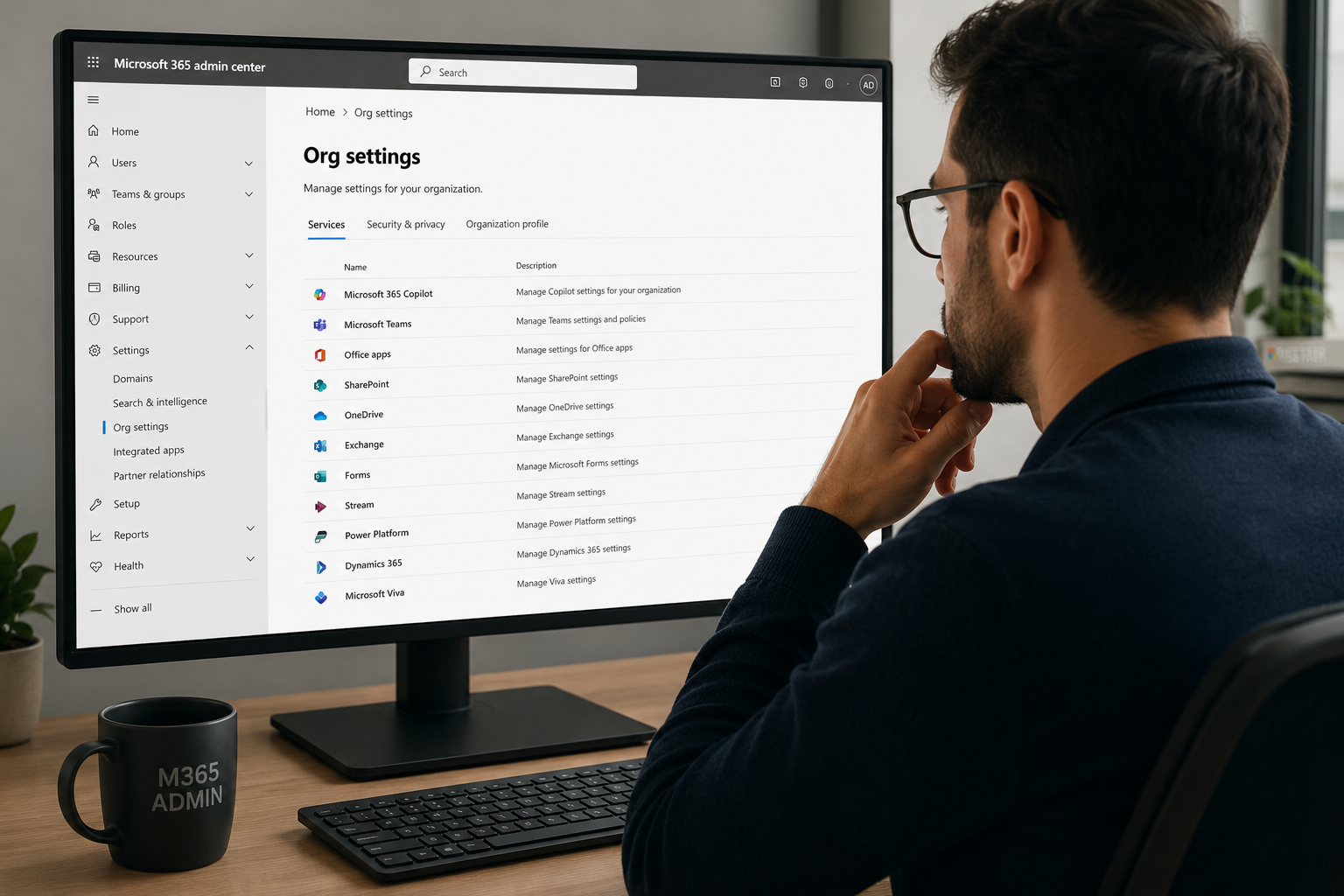
Microsoft 365 Security: 10 Settings Every Israeli Business Must Configure in 2026
Phishing, account takeover and Business Email Compromise are the #1 threat to Israeli businesses. A practical guide - 10 Microsoft 365 security settings that block most attacks before they start.
How Cloud Backup Helps After Ransomware
Cloud backup helps businesses recover after ransomware by restoring clean data, reducing downtime, and supporting business continuity when files are encrypted or deleted.
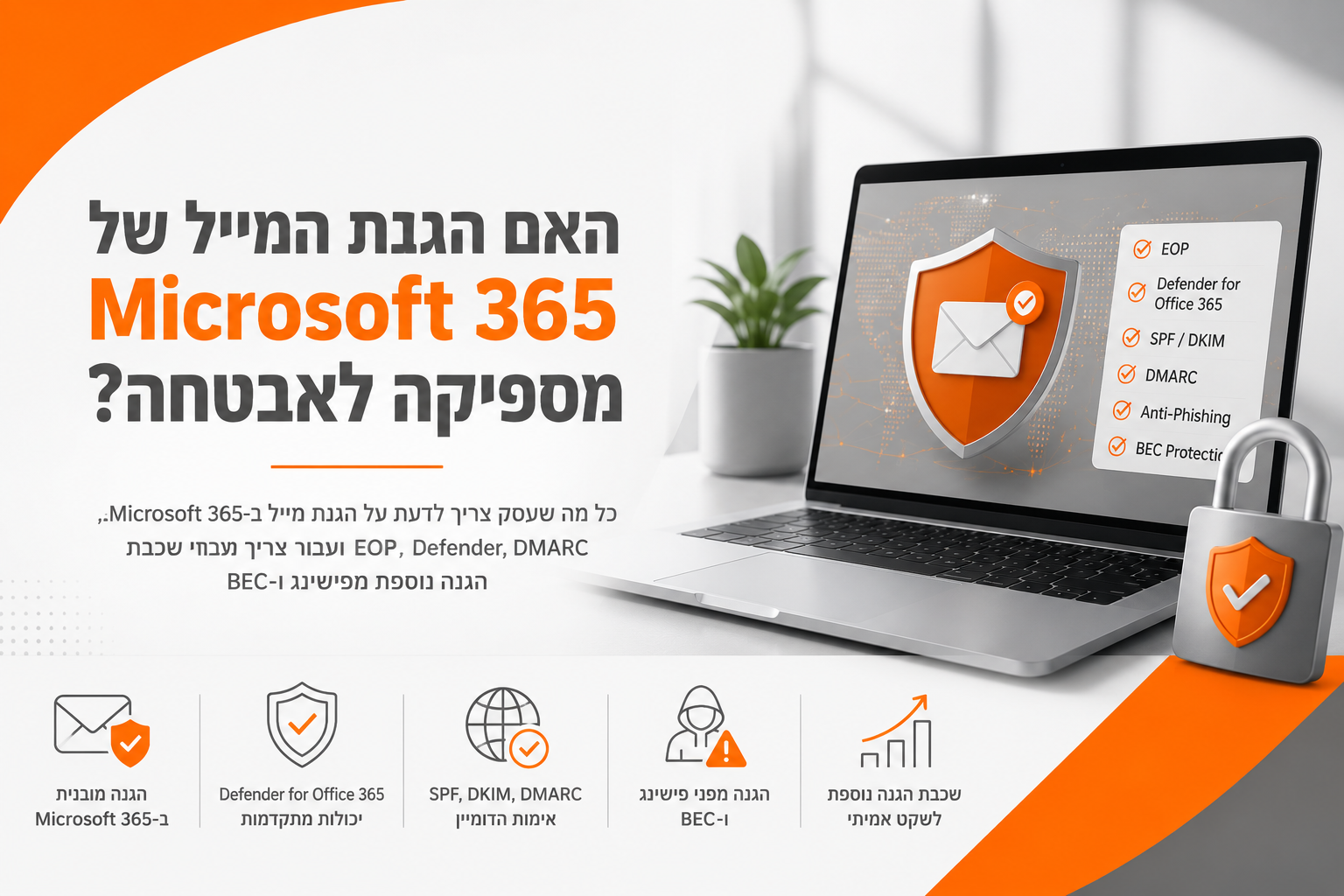
Microsoft 365 Email Security: Is Built-in Protection Enough?
Discover what built-in Microsoft 365 protection covers, when you need Defender, SPF, DKIM, DMARC, or an extra anti-phishing layer to stop BEC.