
What Is MDM? A Guide to Mobile Device Management | 1iT
Learn what MDM is, how it protects company devices, and what businesses should consider before implementing a mobile device management solution.
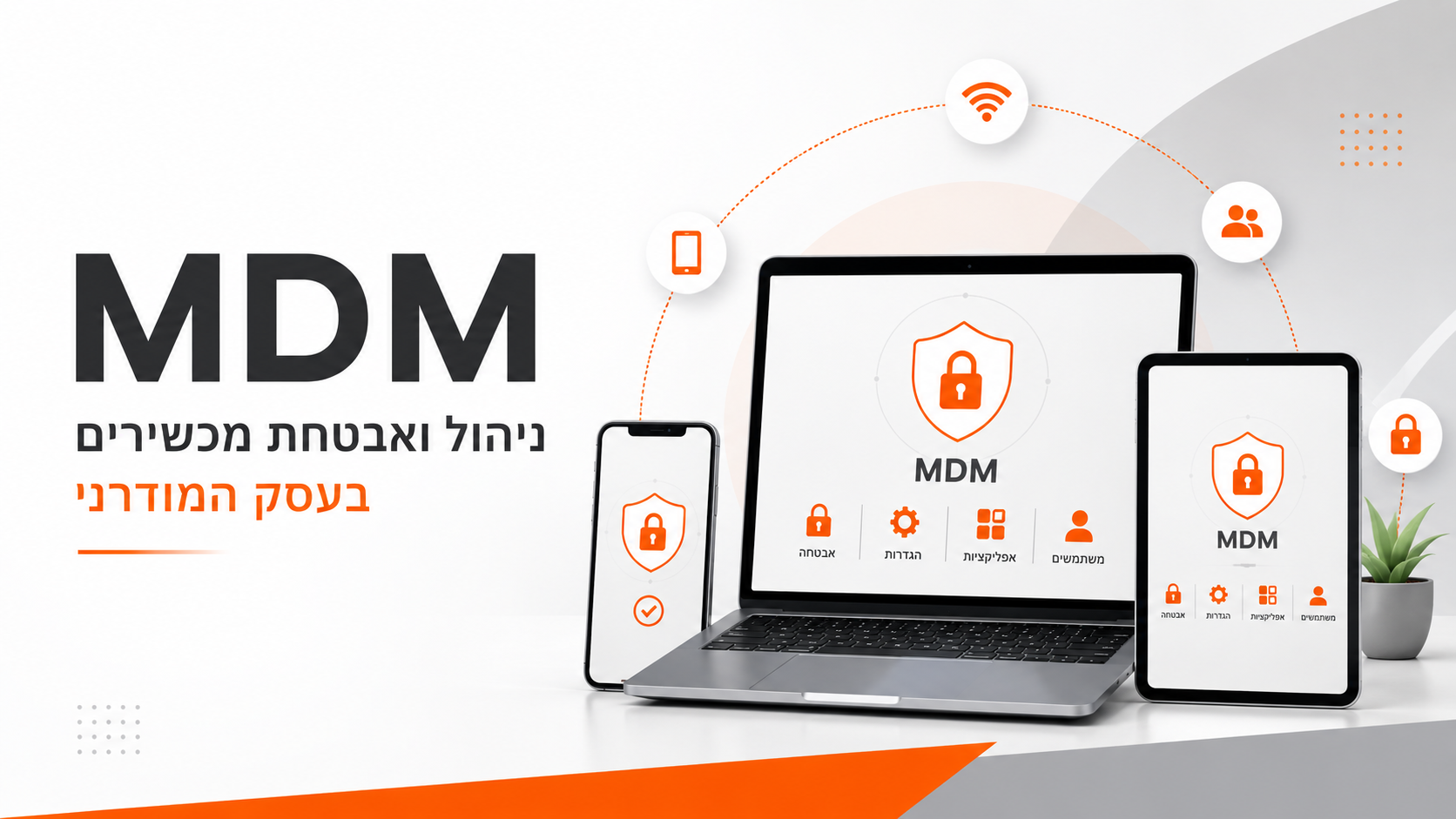
What Is MDM? A Guide to Managing and Securing Business Devices
MDM, or Mobile Device Management, is a solution that enables businesses to centrally manage smartphones, tablets, laptops, and other endpoint devices used by employees.
With an MDM system, a business can enforce security policies, install applications, configure device settings, verify compliance, and remotely remove business data when a device is lost, stolen, or no longer used by an employee.
In simple terms, MDM gives a business control over the devices employees use to access email, files, cloud platforms, and company data.
Why Do Businesses Need MDM?
Business activity no longer takes place only on desktop computers inside the office.
Employees now access company systems through:
Personal smartphones
Company-owned smartphones
Laptops
Tablets
Apple and Android devices
Home computers and remote-working devices
Every one of these devices may contain company information or provide access to it.
The problem begins when a business cannot clearly answer basic questions such as:
Which devices are connected to company systems?
Are those devices encrypted and fully updated?
Do they have a secure passcode?
Which applications are installed?
What happens if a device is lost?
How is company data removed when an employee leaves?
Can an unsecured device still access company email and files?
Without a central management platform, these tasks become manual, inconsistent, and sometimes impossible to control.
What Can an MDM System Do?
The exact capabilities vary between platforms, but most business MDM solutions provide several core functions.
Enforce Security Policies
The organization can define minimum security requirements for devices that connect to its systems.
These requirements may include:
Requiring a passcode or biometric authentication
Enforcing device encryption
Automatically locking devices after a set period
Blocking rooted, jailbroken, or unsupported devices
Requiring an up-to-date operating system
Preventing the use of specific applications or settings
An MDM platform can also verify whether a device complies with company policy and restrict access when it does not.
Install and Manage Applications
Instead of asking every employee to manually install and configure business applications, the organization can deploy them centrally.
This may include:
Microsoft 365 applications
Internal business applications
Security software
VPN tools
Digital certificates
Wi-Fi settings
Corporate email profiles
This approach reduces configuration errors and shortens the onboarding process for new employees.
Maintain a Device Inventory
An MDM system provides visibility into the devices connected to the organization.
Depending on the platform and enrollment method, administrators may be able to view:
Device type
Operating system
Operating system version
Encryption status
Compliance status
Installed business applications
The employee assigned to the device
The purpose is not only to maintain an equipment list. The organization must understand which devices can access company information and whether those devices meet its security requirements.
Lock Devices or Remove Data Remotely
When a smartphone or laptop is lost, stolen, or remains with an employee who has left the company, response time is critical.
Depending on the device and management method, an MDM platform may allow the organization to:
Lock the device
Revoke access to company systems
Remove business accounts and applications
Delete only corporate data
Fully erase a company-owned device
This reduces the risk of company information remaining accessible outside the organization’s control.
Does MDM Replace Antivirus or EDR?
No.
MDM, antivirus, and Endpoint Detection and Response solutions address different aspects of device security.
MDM focuses on device management, configuration, policies, applications, and compliance.
Antivirus or EDR focuses on detecting malicious activity, blocking threats, investigating incidents, and responding to suspicious behavior.
For example, MDM can verify that encryption is enabled and the operating system is updated. An EDR platform can detect a suspicious process attempting to encrypt files or execute malicious code.
The correct approach is not to choose one over the other. A business should both manage its devices and protect them against active threats.
Company-Owned Devices vs. BYOD
One of the most important decisions in an MDM project is whether the organization will manage company-owned devices, employee-owned devices, or both.
Company-Owned Devices
When the business provides the device, it can usually apply broader controls.
For example, the organization may be able to:
Control which applications can be installed
Configure the device automatically
Prevent users from changing specific settings
Perform a complete device wipe
Manage updates and operating system versions
Configure the device during its initial setup
This model gives the organization greater control because the device is a company asset.
Employee-Owned Devices
In a Bring Your Own Device, or BYOD, model, employees use their personal devices for work.
This requires a more balanced approach.
The organization must protect business information without gaining unnecessary control over the employee’s personal photos, messages, applications, and private data.
Modern MDM and Mobile Application Management solutions can separate business information from personal information through work profiles, managed applications, and selective data removal.
Can the IT Administrator See Personal Data on a Phone?
There is no single answer that applies to every platform and enrollment method.
The level of visibility and control depends on:
The operating system
Device ownership
Enrollment type
Management profile
Company policy
The capabilities of the MDM platform
On a personal device, the recommended approach is to limit management to business applications and corporate data.
Employees should receive a clear explanation of what the organization can see, which actions it can perform, and when business data may be removed remotely.
A properly designed BYOD policy should protect company information without unnecessarily interfering with the employee’s personal use of the device.
Who Needs MDM?
MDM is not only relevant to large enterprises.
The need begins when company information is accessible from devices that the business cannot consistently manage or secure.
MDM is especially relevant to businesses where:
Employees access company email and files from smartphones
Remote or hybrid work is common
Employees use personal devices for work
The company has field employees, sales representatives, or technicians
The company provides laptops, tablets, or smartphones
Sensitive customer information is stored or accessed
Employees frequently join or leave the organization
The organization uses several operating systems
There is no reliable list of connected devices
Customers require evidence of security controls
Even a small business may store sensitive information in Outlook, Teams, OneDrive, Google Drive, WhatsApp, and other business applications.
The number of employees is not the only factor. The type of information and the level of access are often more important.
What Is the Difference Between MDM, MAM, and UEM?
These terms are often used together, but they are not identical.
MDM: Mobile Device Management
MDM focuses on the device itself, including settings, encryption, operating systems, applications, policies, and remote actions.
MAM: Mobile Application Management
MAM focuses on business applications and the data stored inside them.
For example, MAM can prevent an employee from copying information from a managed Outlook account into a personal application, even when the organization does not fully manage the device.
UEM: Unified Endpoint Management
Unified Endpoint Management extends device management beyond smartphones and tablets.
A UEM platform may also manage:
Windows computers
Mac computers
Mobile devices
Servers
Dedicated business devices
Virtual endpoints
A business with a diverse technology environment should determine whether it needs basic mobile device management or a broader endpoint management solution.
How Should a Business Choose an MDM Solution?
The selection process should not begin with a vendor name. It should begin with the organization’s operational and security requirements.
Which Devices Need to Be Managed?
The business should confirm support for Windows, macOS, iOS, Android, and any dedicated devices used by employees.
Who Owns the Devices?
A solution designed primarily for company-owned equipment may not be the best option for a broad BYOD environment.
Which Systems Do the Devices Access?
The MDM solution should integrate with the organization’s identity, email, and application environment, such as Microsoft 365, Microsoft Entra ID, or Google Workspace.
How Much Control Is Required?
There is a significant difference between requiring a secure passcode and managing applications, certificates, VPN connections, updates, permissions, and conditional access policies.
Who Will Manage the Platform?
This is one of the most important questions.
Purchasing an MDM license does not automatically create effective device management.
Someone must define policies, enroll devices, monitor exceptions, update settings, remove former employees, and ensure that the system continues to operate correctly.
Common MDM Implementation Mistakes
Deploying the Platform Without a Clear Policy
Before enrolling devices, the organization should define which requirements it will enforce and what happens when a device does not comply.
Applying Overly Restrictive Settings
Policies that are too aggressive may disrupt employee productivity and encourage users to bypass company procedures.
The recommended approach is to begin with a controlled pilot group before deploying the policy across the organization.
Ignoring Personal Devices
When employees use personal devices for work, ignoring those devices does not remove the risk. It simply leaves the risk unmanaged.
Failing to Include Devices in the Offboarding Process
Disabling an email account does not always remove all business information already stored on a device.
The employee offboarding process should include devices, applications, access permissions, and locally stored company data.
Focusing on Licensing Instead of Management
The value of MDM does not come only from the software license.
It depends on the quality of the policy, implementation, monitoring, and ongoing management.
What Does a Proper MDM Implementation Process Look Like?
A structured implementation usually includes five stages:
Assessment: Identify users, devices, operating systems, ownership models, and the information employees access.
Policy design: Define security requirements, BYOD rules, privacy boundaries, and how non-compliant devices will be handled.
Pilot: Enroll a small group of devices and test the policy in a real working environment.
Deployment: Gradually enroll the remaining employees and devices.
Ongoing management: Handle exceptions, new devices, departing employees, updates, and business changes.
The pilot stage is particularly important because it allows the organization to identify settings that may disrupt business activity before they are applied to everyone.
Conclusion
MDM allows a business to understand which devices are accessing company information, enforce security policies, and respond quickly when a device is lost, stolen, or no longer in use.
A properly implemented MDM solution can improve security, simplify employee onboarding, reduce manual IT work, and create a clearer separation between personal and business information.
However, MDM is not a system that should simply be installed and forgotten.
To create real value, the business must choose a solution that fits its environment, define the correct policies, and manage the platform continuously.
At 1iT, we help businesses assess their devices and users, select the appropriate solution, define policies, run a controlled pilot, and manage the MDM environment over time.
Want to know which devices currently have access to your business information and whether they are properly protected? Learn more about 1iT’s Mobile Device Management services or contact us for an initial assessment.
Related posts
Microsoft 365 Security: 10 Settings Every Israeli Business Must Configure in 2026
Phishing, account takeover and Business Email Compromise are the #1 threat to Israeli businesses. A practical guide - 10 Microsoft 365 security settings that block most attacks before they start.
Can Someone Send Emails as Your Company? DMARC Can Stop It
A simple business guide to SPF, DKIM, DMARC, and why protecting your email domain is essential to prevent spoofing, payment fraud, and brand damage.
What Is a Proactive EDR Service? Why SentinelOne Works When It's managed
A proactive EDR service is not just endpoint security software. It is a managed security approach that combines an advanced EDR solution like SentinelOne with human monitoring, policy tuning, alert review, threat response, and ongoing improvement.
Explore related pages
Managed MDM for Business
Managed mobile device management for company-owned and BYOD devices. 1iT deploys security policies, app management and remote business-data protection.
ManageEngine Endpoint Central
Deploy, secure, patch, monitor and manage all business endpoints from one centralized platform, implemented and managed by 1iT.
Managed IT Services for Business
Managed IT support for businesses: help desk, remote and on-site assistance, proactive monitoring, employee onboarding and infrastructure support by 1iT.