
How Cloud Backup Helps After Ransomware
Cloud backup helps businesses recover after ransomware by restoring clean data, reducing downtime, and supporting business continuity when files are encrypted or deleted.
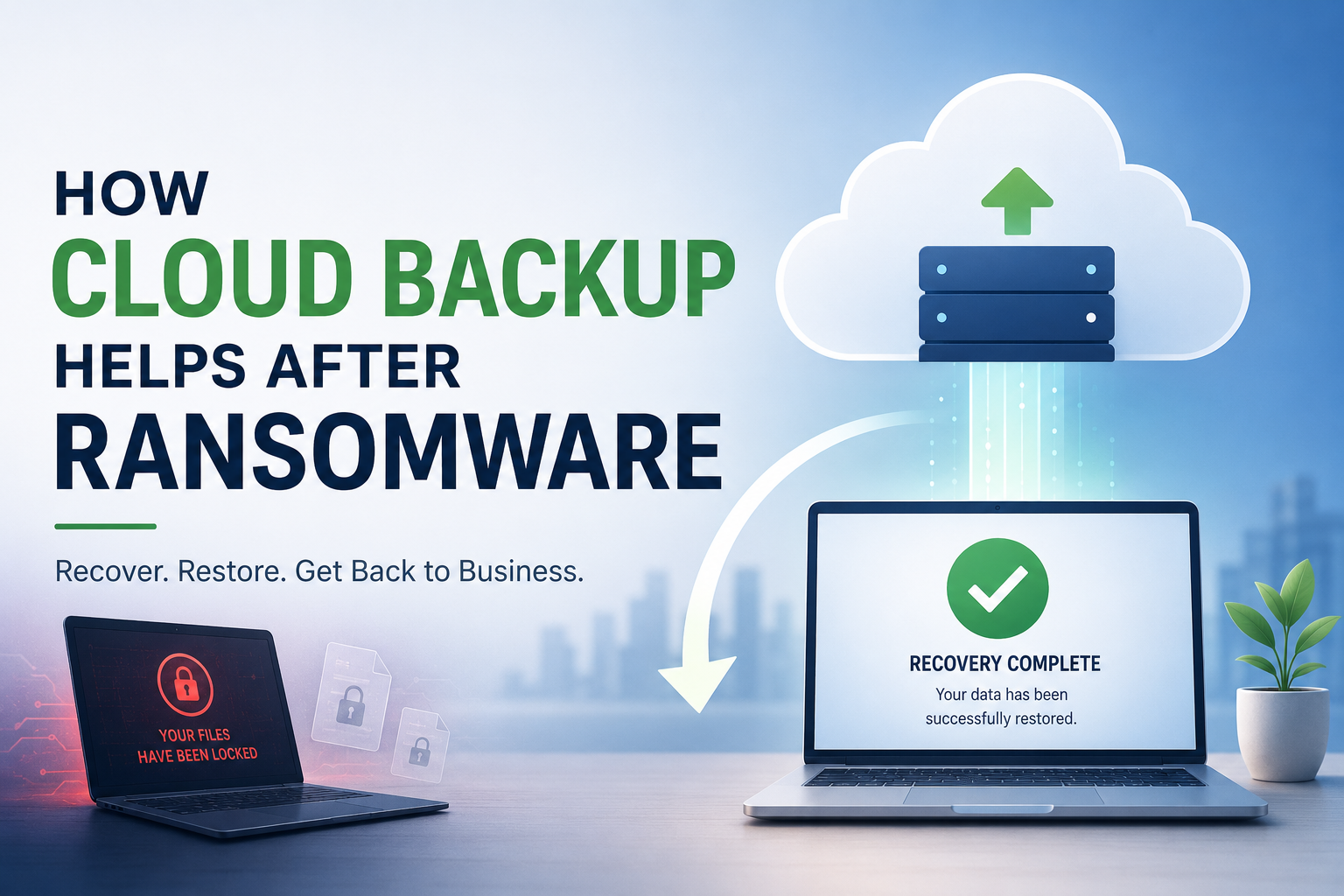
Cloud backup helps a business recover after ransomware by providing clean, restorable copies of important data when files are encrypted, deleted, corrupted, or made unusable.
It does not replace cybersecurity.
It completes the recovery layer.
A strong cybersecurity setup reduces the chance of a ransomware incident. A strong cloud backup strategy improves the business’s ability to recover if something still goes wrong.
That distinction is important.
Ransomware is not only a technical problem. It is an operational problem. When files are encrypted, employees cannot work, customers may be affected, accounting can stop, and management has to make decisions under pressure.
Cloud backup gives the business a better recovery option.
What Happens During a Ransomware Attack?
In a ransomware incident, attackers may encrypt files, lock systems, delete data, or attempt to damage backup copies.
The impact can be immediate:
Employees cannot access shared files
Accounting systems may stop working
Customer service may be disrupted
Operations may slow down or stop
IT teams may need to isolate devices
Management may not know what data is safe
Without backup, the business has limited options.
With properly managed cloud backup, the business may be able to restore clean versions of files and systems from before the attack.
Why Backup Matters Even If You Have Cybersecurity
Some businesses think that if they have antivirus, EDR, firewall, or cybersecurity tools, they do not need serious backup.
That is a mistake.
Cybersecurity and backup solve different parts of the problem.
Cybersecurity focuses on prevention, detection, and response.
Backup focuses on recovery.
A strong business needs both.
For example, SentinelOne can help protect endpoints and detect suspicious behavior. But if files are deleted, corrupted, or encrypted, the business still needs a way to restore data.
That is where cloud backup becomes critical.
Learn more about endpoint protection here:
SentinelOne EDR and endpoint protection
What Cloud Backup Does After Ransomware
Cloud backup can help after ransomware in several ways.
1. Restore Clean Versions of Files
The main value of backup is the ability to restore data from a point before the ransomware incident.
If current files are encrypted, the business can roll back to clean versions where available.
This can reduce downtime and avoid the need to rebuild everything manually.
2. Reduce Business Downtime
Downtime is often the most expensive part of a ransomware incident.
Employees wait. Customers wait. Operations stop. IT works under pressure.
A good backup and recovery plan helps the business return to work faster.
The goal is not only to recover files. The goal is to restore business function.
3. Protect Against Accidental Deletion and Corruption
Ransomware is not the only reason businesses lose data.
Files can also be deleted by mistake, overwritten, corrupted, or removed by a compromised account.
Cloud backup helps protect against these everyday risks as well.
That makes it valuable even if the business never experiences a ransomware attack.
4. Support Microsoft 365 Recovery
Many businesses assume Microsoft 365 is fully backed up by default.
That assumption is risky.
Microsoft provides strong cloud infrastructure, but businesses are still responsible for protecting and managing their data retention, recovery needs, and operational backup strategy.
For companies using Exchange, OneDrive, SharePoint, and Teams, Microsoft 365 backup should be part of the discussion.
5. Give Management Better Options
During a ransomware event, management needs options.
Without backup, the conversation becomes reactive and stressful.
With backup, the business can ask better questions:
What was affected?
What clean restore points exist?
How quickly can critical data be restored?
Which systems should return first?
What needs to be isolated before recovery?
What can we do to prevent the same issue again?
Backup does not make the incident pleasant. But it can make recovery more controlled.
Cloud Backup Must Be Managed Properly
Not every backup setup is good enough.
A weak backup can fail when it is needed most.
Common problems include:
Backups were never tested
Backup frequency is too low
Critical folders were not included
Backup access is not protected
Ransomware reaches connected backup locations
Nobody knows how to restore quickly
Microsoft 365 data is not backed up properly
Recovery steps are not documented
This is why cloud backup should be managed, monitored, and tested.
It is not enough to “have backup.”
The business needs confidence that the backup can actually restore the data.
What a Strong Cloud Backup Strategy Should Include
A business-grade cloud backup strategy should include:
Automatic backup scheduling
Clear retention policy
Secure cloud storage
Protection for critical business files
Microsoft 365 backup where needed
Restore testing
Access control and MFA
Monitoring and reporting
Recovery planning
Documentation of what to restore first
The priority should be based on business impact.
For example, accounting files, customer data, operational documents, and key Microsoft 365 data should usually be treated as critical.
Backup and Cybersecurity Work Together
Cloud backup is not a replacement for cybersecurity services.
It should work together with them.
A stronger setup includes:
Endpoint protection
Email security
Identity protection
Cloud backup
Security monitoring
User awareness
Recovery planning
This is the practical model for small and mid-sized businesses.
Reduce the chance of an incident.
Detect issues early.
Recover quickly if something still happens.
Read more here:
Cybersecurity services for business
Why Businesses Should Not Wait Until After an Attack
The worst time to build a backup strategy is after ransomware hits.
At that point, the business is under pressure. Systems may be offline. Files may be encrypted. The team may not know which restore points are clean.
Backup needs to be planned before the incident.
That means deciding:
What data is critical?
How often should it be backed up?
How long should backups be retained?
Who can access backup systems?
How fast does the business need to recover?
When was the last restore test?
These questions should be answered before the business is in crisis.
Final Recommendation
Cloud backup is one of the most important recovery layers a business can have against ransomware.
It does not prevent every attack. It does not replace endpoint security. It does not remove the need for cybersecurity.
But when ransomware encrypts, deletes, or damages business data, backup may be the difference between controlled recovery and prolonged disruption.
For any business that relies on digital files, Microsoft 365, shared folders, financial records, or customer data, cloud backup is not optional.
It is business continuity.
Related posts

Microsoft 365 Security: 10 Settings Every Israeli Business Must Configure in 2026
Phishing, account takeover and Business Email Compromise are the #1 threat to Israeli businesses. A practical guide - 10 Microsoft 365 security settings that block most attacks before they start.
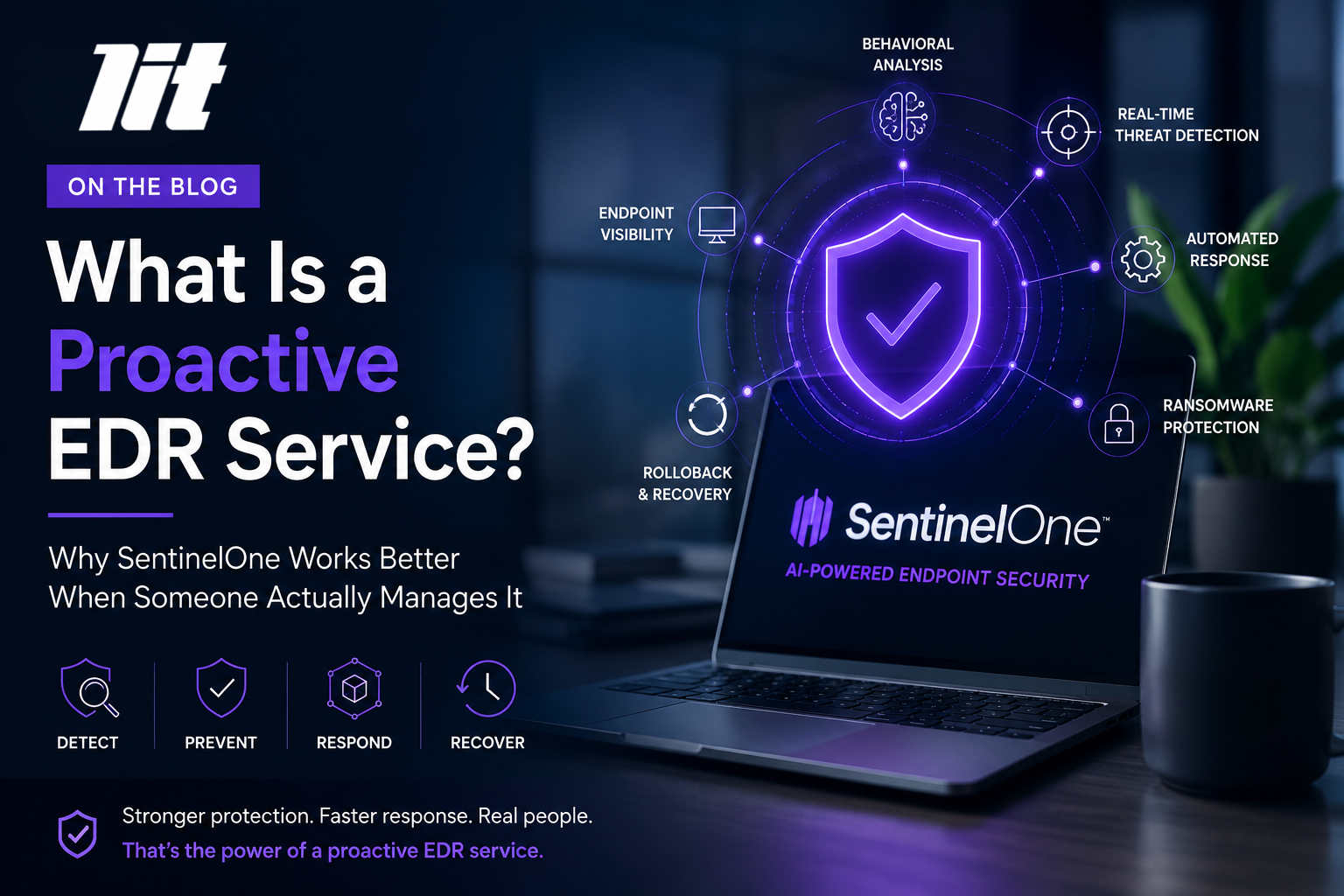
What Is a Proactive EDR Service? Why SentinelOne Works When It's managed
A proactive EDR service is not just endpoint security software. It is a managed security approach that combines an advanced EDR solution like SentinelOne with human monitoring, policy tuning, alert review, threat response, and ongoing improvement.
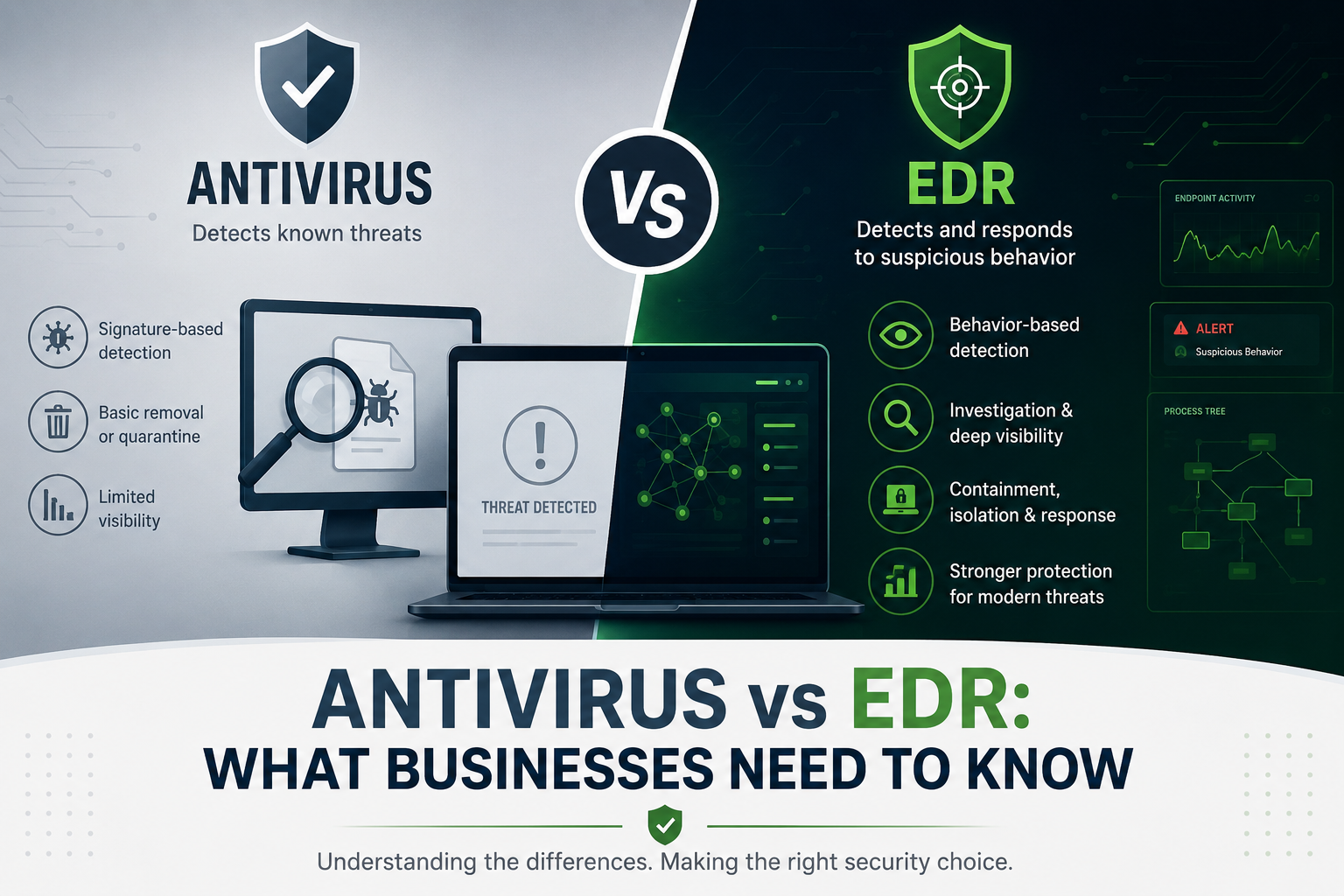
Antivirus vs EDR: What Businesses Need to Know
Antivirus and EDR are not the same. Learn how EDR improves endpoint security, why old antivirus is no longer enough, and when businesses should consider SentinelOne.