
Google Workspace vs Microsoft 365: Choosing the Right Platform for Israeli Businesses
Compare Google Workspace and Microsoft 365 pricing, security, AI capabilities, and migration costs to make the right choice for your business.
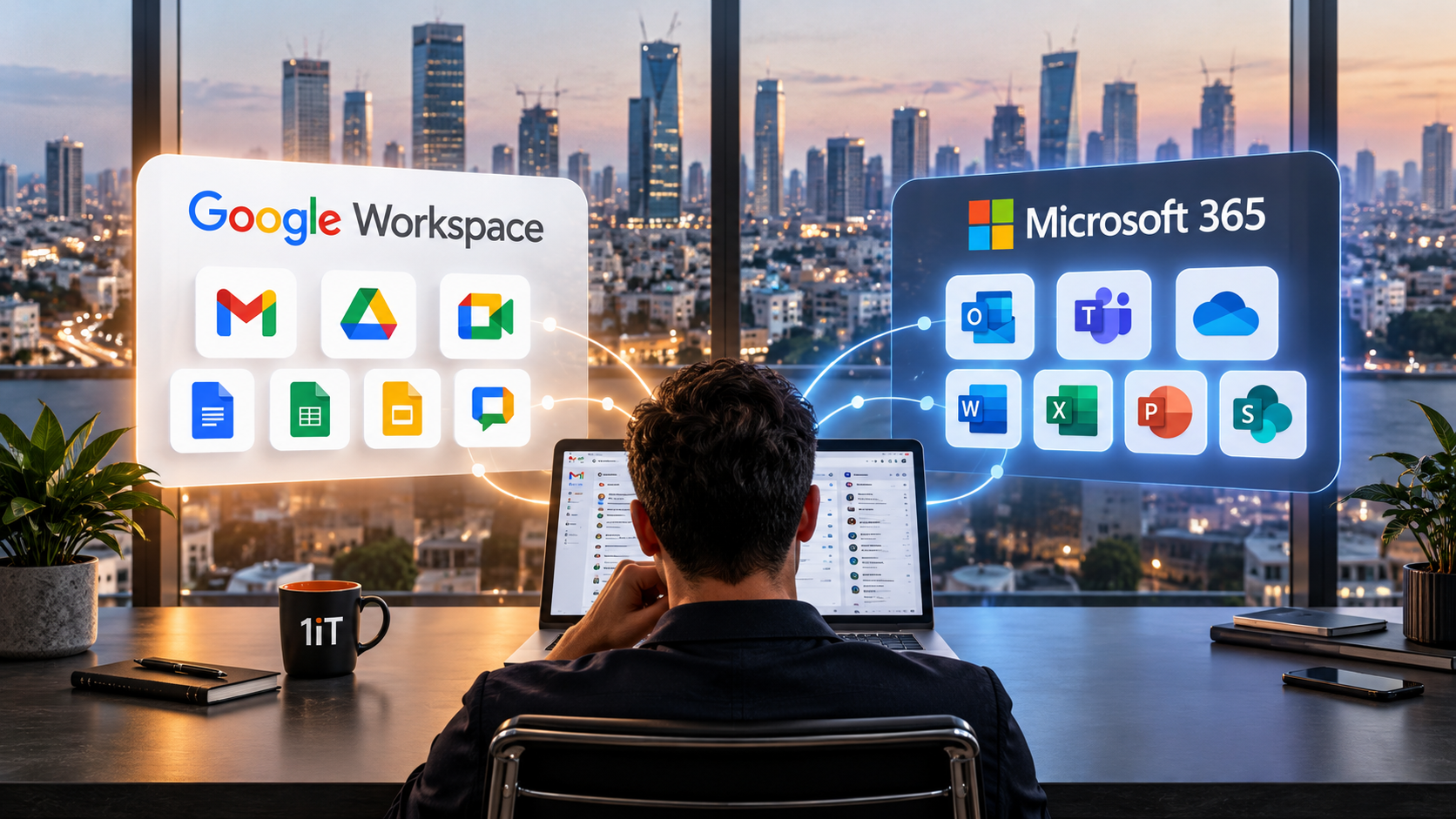
Choosing between Google Workspace and Microsoft 365 is one of the most critical technical decisions for business owners in Israel, especially as base pricing has converged across both platforms. The debate has shifted from cost to functional fit: it now depends on which ecosystem aligns with your team's workflows and specific security compliance requirements. IT leaders must evaluate migration complexity, legacy application support, and regulatory obligations before committing to a provider. For teams using Hashavshevet, our guide to accessing Hashavshevet from home covers connection options, permissions, licensing, acceptance tests and costs.
What is included in business packages — quick comparison
Both companies structure their packages around three main tiers for small to mid-sized businesses up to 300 users. The primary difference lies not in the price, but in the specific capabilities provided within each tier.
Tier | Microsoft 365 | Google Workspace | Key Difference |
|---|---|---|---|
Business Basic / Business Starter | Email, Teams, basic OneDrive | Gmail for business, Meet, 30GB shared storage | No desktop apps in either platform |
Business Standard | Desktop Word/Excel/PPT + Teams | Full Google Workspace + Advanced Voice + Meet recordings | Traditional Office vs. built-in AI tools |
Business Premium / Business Plus | Intune + Defender (Security) + Entra ID | Vault + DLP + Advanced Endpoint Management | Endpoint security vs. data retention and eDiscovery |
Microsoft 365 Business — What does each tier include?
Business Basic provides business email, Teams, basic OneDrive storage, and cloud applications. Business Standard adds full desktop versions of Word, Excel, PowerPoint, and Outlook. Business Premium is the complete package: it includes Intune for device management, Microsoft Defender for endpoint security, and identity/authentication features via Entra ID—all included without add-ons.
Google Workspace Business — What does each tier include?
Business Starter offers Gmail for business, Meet, and 30GB of shared organizational storage. Business Standard increases storage to 2TB and adds Meet recording capabilities and more advanced voice features. Business Plus includes Vault for archiving and auditing, eDiscovery, 5TB storage, advanced endpoint management, and security logs — features previously reserved for Enterprise plans.
Where Excel and Outlook Matter — Microsoft Leads
If your business relies on complex Excel formulas, VBA macros, or advanced Pivot Tables, the platform difference is significant. Google Sheets handles most daily needs, but many Israeli business cases involve calculation sheets that were never fully converted to Google's cloud version.
Outlook remains a critical differentiator for many Israeli enterprises. The email interface, calendar, and Calendar Sync with existing CRM or ERP software simply function better with Outlook than with Gmail as the primary interface. If your team is accustomed to Outlook, migrating to Gmail will require significant retraining time.
Google Workspace excels elsewhere: Docs, Sheets, and Slides allow smoother real-time parallel editing than Office Online, while Sheets includes built-in AI capabilities via Gemini that save time on calculations and table building.
Information Security — Where the Real Difference Lies
Security is where platform differences matter most. Both companies offer basic protection included in their standard packages, but the real comparison happens at the Business Premium vs. Business Plus level, the higher-priced business tiers.
Microsoft 365 Business Premium includes:
Microsoft Defender for Business for device and endpoint security (EDR/XDR)
Intune for mobile device management and Conditional Access
Azure Information Protection for document classification and sensitive data protection
Entra ID for identity management, Multi-Factor Authentication (MFA), and access control
Google Workspace Business Plus includes:
Vault for archiving retrieval, and data auditing (eDiscovery)
Basic DLP to prevent information leakage
Secure LDAP for user management and access
Advanced Endpoint Management for device control
Requirements for continuous document retention typically impact organizations with Microsoft in their architecture more heavily, as Azure Information Protection enables automatic document classification and built-in archival backup.
As with any cloud environment, built-in protections are not enough on their own; verify correct configuration and supplementary security measures, especially for Israeli businesses with strict regulatory compliance requirements.
AI Inside the Platform — Gemini vs. Copilot
This is where the decision becomes more complex. Both companies invest heavily in embedding AI into their products, but the pricing models differ significantly.
Google Workspace includes Gemini across all business tiers—from text generation in Docs to meeting summaries in Meet. The depth of capabilities varies by tier: Starter gets basic access, while Standard and Plus receive expanded access, often including NotebookLM.
The story is different with Microsoft 365. Copilot Chat is free in all tiers, but full Copilot—with deep machine learning in Word, Excel, and Outlook—requires a paid add-on: Business Standard with Copilot costs $23.50, and Business Premium with Copilot costs $32 per user per month.
If almost all your employees will use AI routinely, Google Workspace offers more economical pricing. If only part of the staff needs advanced capabilities, Microsoft allows licensing by role, which can save thousands of dollars annually.
Migration and Switching Costs — The Hidden Price
Before choosing a platform, check which critical business applications your company uses are supported better, advanced Excel or Google Sheets, Outlook or Gmail, because switching systems requires significant team retraining.
Switching from Google Workspace to Microsoft 365 (or vice versa) is not just a password change. The real cost lies elsewhere:
Email and archives: All previous emails, attached files, and historical context; migration requires tools like BitTitan or external backup before transfer
SharePoint permissions mapped to Drive: Every employee folder, permission groups, and internal links must move in an organized manner
AD synchronization for Google Cloud Identity: If the company uses local Active Directory, plan identity sync or migration to Azure AD/Entra ID
Daily team workflows: Gmail vs. Outlook, Drive vs. OneDrive, Sheets vs. Excel
Email and archives: All previous emails, attached files, and historical context
Shared files on Drive or OneDrive/SharePoint
Daily team workflows (Gmail vs. Outlook, Drive vs. OneDrive)
Integrations with existing systems — CRM, ERP, websites
Switching platforms is always a trigger for change. If your business is already on one of these platforms, consider whether switching actually justifies itself against the new benefits of the other platform. Often, improving performance and security settings within the existing environment is better than a total replacement.
Microsoft 365 | Licensing, Deployment and Copilot | 1iT
FAQ
Do both platforms meet Privacy Law requirements?
The answer depends on the specific regulation in your business sector: under Personal Data Protection Regulations (Information Security), appropriate technical security measures are required based on risk level, and under Cyber Regulations (Protection of Essential Services), a Ministry of Communications license and incident reporting are required. Both platforms offer tools for data classification, encryption, and access management—compliance depends on the specific settings administrators apply within the platform, not the platform itself.
Can I use Google Workspace and Microsoft 365 simultaneously?
Yes, but it creates operational complexity: two password systems, two support teams, and security risks. Many mid-sized companies do this in stages—e.g., email on Google with documents on Microsoft—but it is best to move to a single central platform in most cases. To plan centralized sign-in across work tools, see our SSO implementation guide.
What happens if my business is larger than 300 users?
Both business tiers cap at 300 users. Beyond that, you must switch to Enterprise plans—Google Workspace Enterprise or Microsoft 365 E3/E5—which offer advanced management capabilities, advanced DLP, extended support, and volume-based pricing.
How long does a platform migration take?
A full migration of email, files, and employee settings typically takes between one week and three months, depending on organization size and existing data volume. It is important to plan the migration in stages, allow time for team retraining, and ensure full backup before starting.
Explore related pages
Microsoft 365
Microsoft 365 for business: Business Standard, Premium and E3/E5, including Copilot. Licensing, migration, security and training by Microsoft Partners.
Google Workspace
Google Workspace for business: Gmail on your domain, Drive, Meet and Calendar. Licensing, migration and professional management by 1iT. Get a quote.