
What Can Your Organization See on a Device? An MDM and BYOD Guide
A guide for managers and employees on personal device management, Microsoft Intune, the difference between MDM and MAM, and selective wiping of business data.
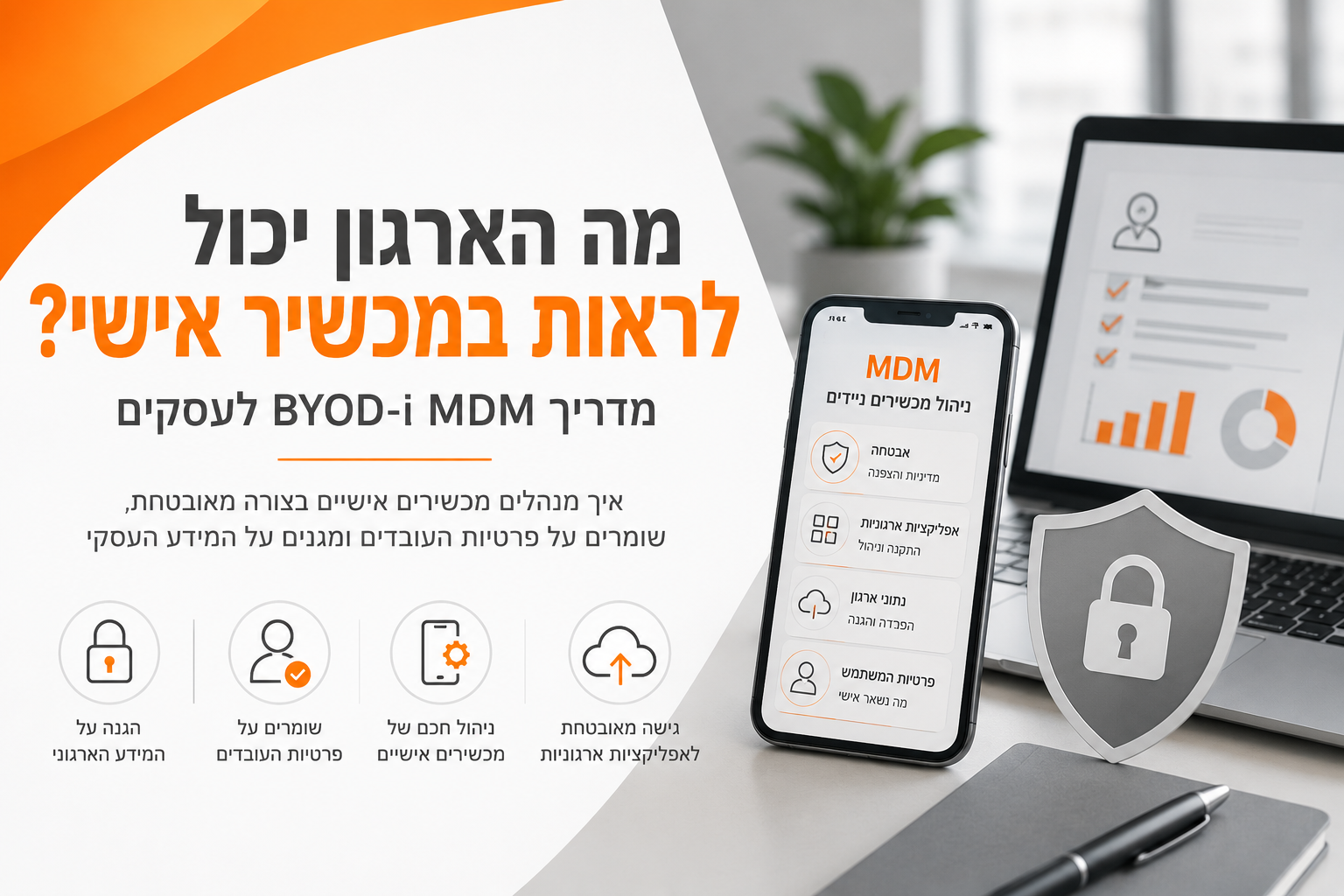
A guide for managers and employees on personal device management, Microsoft Intune, the difference between MDM and MAM, and selective wiping of business data.
What Can Your Organization See on a Personal Device? An MDM and BYOD Guide for Businesses
Employees want to use their personal phones and computers for work purposes. The organization, for its part, must protect email, files, Teams, business applications, and access credentials. This is where the BYOD tension begins: how do you protect business information without turning the IT department into a controller of the employee's personal life? The solution is not to choose between security and privacy, but to define a management model that suits device ownership and data sensitivity.
Bottom Line With standard management through Microsoft Intune, the organization can see device details and compliance status, and manage business information and applications. It does not gain access to personal photos, messages, passwords, browsing history, or the content of private documents. However, the scope of management varies by device type, ownership, and enrollment method. |
What is BYOD and Why Do Businesses Need a Clear Policy?
BYOD is a model where employees use their own devices—phone, tablet, or computer—to access organizational information and systems. This model is convenient for employees and can reduce procurement needs, but it raises questions that don't exist in the same way with company-owned devices: Who is responsible for updates? What happens if the device is stolen? Can a business file be copied to a private application? How is information removed when an employee leaves?
Without a policy, the organization relies on individual behavior. With an overly aggressive policy, employees feel that the organization is invading their personal device. MDM and MAM allow for different layers of management instead of applying a single solution to all devices.
What Can the Organization See on a Personal Device?
In Microsoft Intune, device enrollment exposes basic management details to the IT team, which are required to identify the device and check if it complies with policies. The scope of information depends on the platform, ownership type, and enrollment method, but Microsoft clearly separates management data from personal content.
The Organization Can See or Manage | The Organization Does Not See via Intune |
|---|---|
Device name, manufacturer, model, and operating system | Personal photos and videos |
Serial number and hardware identifiers according to the platform | SMS messages and content of messaging apps |
Encryption status, screen lock, and policy compliance | Personal call and browsing history |
Managed business applications and their installation status | Passwords for private accounts |
Accounts, profiles, and certificates installed by the organization | Content of private email, contacts, and personal calendar |
Access attempts and relevant security status | Content of personal documents and folders |
Important Disclaimer The table describes a standard management scenario. On a company-owned device, especially managed Windows computers, the organization may have broader system capabilities. Therefore, it is essential to define and communicate to employees the actual ownership type and management method. |
MDM vs. MAM: What's the Difference?
The choice between MDM and MAM determines exactly what is managed. MDM manages the device itself: settings, compliance, applications, encryption, and access. MAM manages business applications and the data within them, even when the device is not fully enrolled for management.
Model | What is Managed | Especially Suitable For |
|---|---|---|
MDM | The device, security settings, applications, compliance, and access | Company devices or personal devices requiring broad access |
MAM | Business applications and the data within them | BYOD where a high degree of separation from personal use is desired |
MDM + MAM | The entire device, plus stricter protection within sensitive applications | High-risk roles or highly sensitive information |
In a MAM scenario, for example, you can require a separate PIN for Outlook, encrypt business data, block copying from a business application to a private WhatsApp, and delete organizational data from applications without deleting personal photos and files. This is a useful model when the organization does not need to control the entire device.
Company Devices and Personal Devices Do Not Need the Same Policy
Company-Owned Device
When the company purchases the device, it can pre-configure it, enforce encryption, deploy applications, restrict installations, set updates, and perform a full wipe or lock when necessary. The employee needs to know that this is a managed work tool, and therefore the level of control is higher.
Employee's Personal Device
On a personal device, the policy should focus on protecting access and organizational data. In many cases, MAM can be used without full enrollment, or with tailored enrollment that separates the work area from the personal area. The goal is not to manage the entire device, but to ensure that business information is not stored, copied, or shared without control.
What Happens if the Device is Lost, Stolen, or the Employee Leaves?
This is one of the main reasons for implementing MDM or MAM. When there is no management, the organization can block the account—but it doesn't always know which files remained locally or if active sessions are still open. In a managed system, an appropriate action can be chosen for the scenario.
- Blocking access using Microsoft Entra Conditional Access or another identity system.
- Revoking active sessions and changing passwords in case of suspected exposure.
- Retiring or removing an organizational profile from an MDM-enrolled device.
- Selective wiping of organizational data from managed applications.
- Full device wipe only when it is company-owned or when there is justification and an explicit policy.
Selective Wipe Selective wipe is designed to remove business data from managed applications and profiles, without resetting the device and without deleting the employee's personal information. |
What Protections Can Be Applied Without Reading Personal Information?
Effective security does not require viewing personal content. Most important controls check technical status or control the flow of business information.
- Requiring a lock code or biometrics before opening a business application.
- Blocking access from a jailbroken, unencrypted, or outdated operating system device.
- Encrypting data within managed applications.
- Preventing copy and paste from a business application to a private application.
- Blocking saving a business document to a private cloud.
- Opening business links in a managed browser.
- Requiring MFA and compliance checks before accessing Microsoft 365.
- Removing business information when the user leaves or when the device is not in use.
How to Build a BYOD Policy That Doesn't Create Resistance?
1. Start with Data Mapping, Not the Product
Before choosing Intune or another platform, define who accesses what, from which devices, and what the potential damage is if the information is exposed. A sales manager who needs Outlook and Teams does not necessarily need the same policy as a finance manager who approves payments.
2. Separate by Ownership Types
Create separate policy groups for company devices, BYOD, managers, temporary employees, and external partners. A single policy for everyone will usually be either too weak or too restrictive.
3. Explain to Employees What is Collected and What is Not
A short, clear privacy notice reduces resistance more than any technical presentation. The employee needs to know which device details are visible, what actions the organization can perform, under what circumstances a wipe occurs, and what remains private.
4. Start with a Pilot
A pilot with a small group reveals issues with applications, permissions, licensing, and user experience. Only after the policy is stable, expand the implementation. This avoids a situation where hundreds of employees encounter the same problem on launch day.
5. Integrate Support into the Enrollment Process
Even a good policy will fail if employees cannot enroll. Provide a short guide, a support channel, a time window for completion, and an explanation of what to do when the device does not meet the requirements.
When is MAM Only Preferred, and When is Full MDM Needed?
Scenario | Recommended Approach |
|---|---|
Employee uses personal phone only for Outlook and Teams | MAM with app protection policies and Conditional Access. |
Company phone used for full business activity | Full MDM, application deployment, and device compliance. |
Employee needs to access sensitive files from a personal computer | Risk assessment; sometimes MAM/controlled access, and sometimes a requirement for a managed computer. |
Field workers with shared tablets | Full MDM with uniform configuration and kiosk mode as needed. |
Managers with access to highly sensitive information | Managed company device or a combination of MDM and MAM with strict controls. |
Common Mistakes in MDM and BYOD Implementation
- Performing a full wipe on personal devices unnecessarily and without explanation.
- Applying the same policy to iPhone, Android, Windows, and macOS without considering the differences.
- Purchasing licenses without configuring Conditional Access, groups, and exceptions.
- Blocking users before a support channel and enrollment process have been defined.
- Not addressing older devices that cannot meet requirements.
- Lack of an offboarding process that removes business information and revokes sessions.
- Assuming that MDM replaces MFA, EDR, backup, or employee training.
Good BYOD Protects Business Data and Respects the Personal Device
MDM implementation should not start with the question "how much control can be gained," but rather "how much control is truly needed." A company device can and should be managed tightly. On a personal device, in most cases, it is appropriate to focus on identity, applications, and business information.
When the policy is transparent, enrollment is simple, and the organization uses selective wipe instead of full wipe, security can be significantly improved without creating a feeling of privacy invasion. This is not just a technological decision—it is a decision of trust and operation.
Want to protect business data without taking over personal devices? 1iT helps businesses plan and implement MDM and BYOD according to device types, data sensitivity, and employee experience—including Microsoft Intune, MAM policies, Conditional Access, pilot programs, and enrollment process support. |
Explore related pages
Managed MDM for Business
Managed mobile device management for company-owned and BYOD devices. 1iT deploys security policies, app management and remote business-data protection.
ManageEngine Endpoint Central
Deploy, secure, patch, monitor and manage all business endpoints from one centralized platform, implemented and managed by 1iT.
Contact 1iT
Contact 1iT, an IT company with over 30 years of experience. Personal consulting, quotes and support. Office in Rishon LeZion. Talk to us or send a message.