
Business Password Manager: Share Access Without Sending Passwords on WhatsApp
Replace passwords in WhatsApp with managed access: Bitwarden permissions, plan selection, rollout, and employee offboarding.
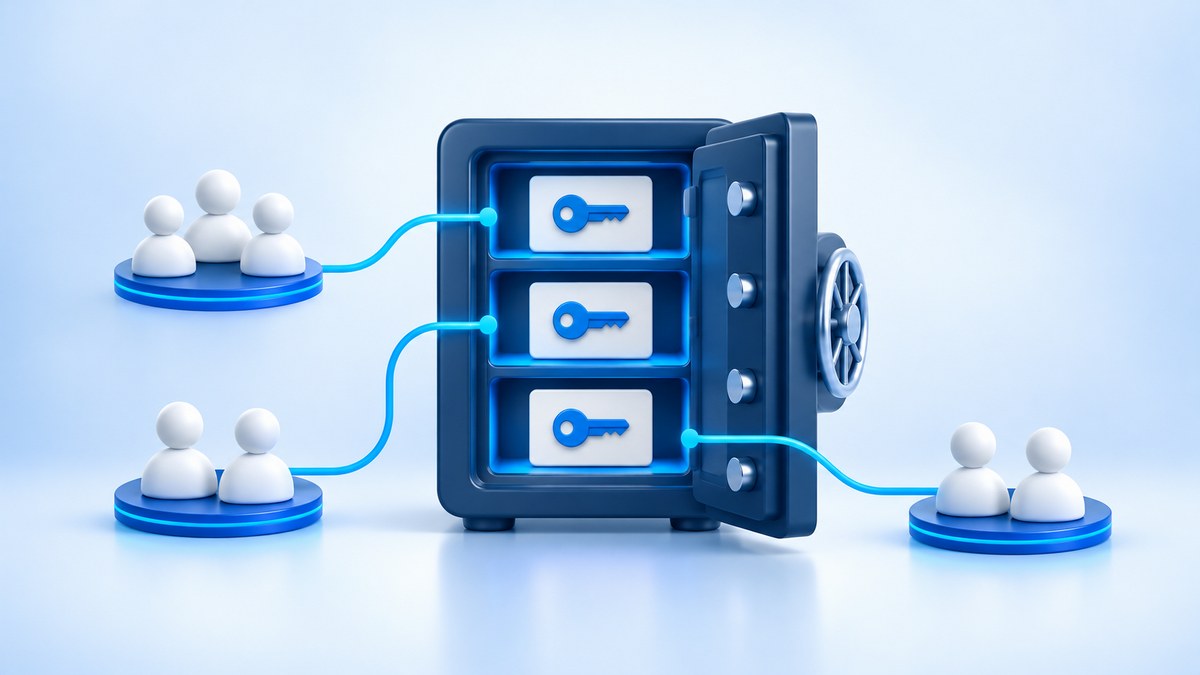
A password sent to a work chat group sits outside the business's access management process. A business password manager lets you centralize credentials and assign access to employees by role. This makes it possible to onboard employees and change permissions without turning every login request into a WhatsApp message.
Problems arise when nobody knows who still has a password, who may change it, or what happens when the people responsible are unavailable. Even a strong password cannot resolve a shared account with no owner or offboarding process. The solution combines an organizational tool, clear responsibilities, and working habits the team can maintain.
Business password manager: share access to a vault item instead of sending a password
Share access through an item in an organizational vault, with permissions matched to each team's work. Start by listing your systems: the company website, telecommunications providers, invoicing platform, supplier portals, and marketing tools. For each system, record who owns it, who needs access, and whether it supports separate accounts. Do not collect passwords in a spreadsheet for this inventory; at this stage, you need a list of assets and owners, rather than another file containing business secrets.
Wherever a system supports it, prefer an individual account for each employee and permissions within the system itself. If the bookkeeping team needs to view documents, there is no reason to give them the main administrator account simply because it is available. A shared account remains an option where such sharing is necessary and permitted under the service's terms. In that case, document who approves access, who updates the vault item, and how password changes will be coordinated without interrupting other users' work.
In Bitwarden, Collections group items for organizational sharing, and those items belong to the organization rather than an individual employee. Create collections around operational needs, such as operations, finance, and website administration, and avoid a general collection open to everyone. According to the official collections documentation, nesting a collection under another does not automatically give it the parent's permissions. Check each collection separately. You can evaluate Bitwarden for business as part of your broader access management decision.
How to set up team sharing without giving everyone management permissions
To share access with a team, assign users or groups to a collection and distinguish between using items, editing them, and managing permissions. For example, operations staff may need to use credentials for a supplier portal, while the system owners also need to update the password. Collection management permission is intended for the people who decide who gets access. Do not assign it to every user simply to avoid support requests; it expands what users can do beyond signing in to the service.
In the Bitwarden web app, open the collection and select the icon next to its name. Select Access. Add the required members or groups. Adjust the permission level and select Save. These are the steps in the official access assignment guide. After saving, verify the result using a test user with ordinary permissions: confirm that the user sees only the appropriate items, can sign in to the service, and cannot manage access when their role does not require it.
Hiding a password does not guarantee that users cannot obtain it. Bitwarden explains in its permissions documentation that hidden passwords can still be used through autofill, and hiding them does not completely prevent access to the information. Treat them as passwords shared with those users. If an external supplier must not have an administrator password, create a restricted account for them in the target system instead of relying on a hidden vault field. This anchors the access boundaries in the service's own permissions.
Choosing a licensing plan and checking the details before purchase
Choose a plan based on the management capabilities you need, and ask for the quote to specify which plan includes them. The difference between a personal vault and an organizational product goes beyond storing passwords: you need to know who manages users, how groups are assigned, and which actions are logged. Bitwarden's public plans page lists Teams and Enterprise, with different management and oversight capabilities. Verify the package when ordering, especially if your procurement requirements include integration with your existing identity system.
- Teams: organizational sharing, groups, event logs, and user directory synchronization.
- Enterprise: Teams capabilities, plus organizational policies, administrator-managed account recovery, and SSO integration.
SSO is a sign-in mechanism that uses the organization's identity system instead of a separate login process for each service. If you need it, also check the identity system's licensing and settings, and how the vault is unlocked in your chosen configuration. For a quote in shekels, request a breakdown of the commitment period, license count, taxes, and accompanying services. Look beyond license costs: establish who will maintain permissions and help employees who get stuck. Define an acceptance test in which an employee joins, receives appropriate access, and subsequently loses it.
Moving work from WhatsApp to an organizational vault
Start the transition with a defined team and familiar systems, testing sign-in before expanding across the business. Choose a daily workflow, such as using supplier portals, and move its credentials into organizational items. Give each item a clear name, a verified login URL, and an owner responsible for updates. Train employees to open the site through its known address and use the approved extension. Password update requests received in messages should be verified through a known channel before anyone enters credentials or approves an action.
Protect sign-in to the vault itself with additional authentication. Multi-factor authentication adds an identity check beyond the password, for example through an authenticator app or security key. Bitwarden recommends protecting the vault account this way. Plan what happens if employees lose their authentication method: who verifies their identity, which recovery workflow the plan supports, and where recovery codes are stored. Make sure the authentication method needed to access the vault is not available only inside that same vault, creating a dependency that blocks recovery.
If a password has already been sent in messages, adding a copy to the vault does not invalidate the earlier copies. Change it in the original service in coordination with the users and systems that depend on it, and update the organizational item. Verify that sign-in works before closing the task. Give the team a clear working rule: access requests go to the responsible owners, and approval is implemented through the permissions system. If personal phones are needed, define the boundaries of device use as well; the MDM and BYOD guide explains the management and privacy considerations.
Employee offboarding and its connection to privacy protection in Israel
When an employee leaves, address both vault permissions and access to the systems they actually used. Removing a user from the vault does not change passwords they have already seen or necessarily terminate active sessions in other services. Review the relevant individual accounts, groups, and shared items. Change shared credentials based on exposure and risk, and check the target systems for options to terminate sessions and remove recovery methods. Include these actions in your employee onboarding and offboarding process, with assigned owners and completion records.
In Israel, database access management must take account of the Privacy Protection Regulations (Data Security), 5777–2017, known in Hebrew as תקנות הגנת הפרטיות (אבטחת מידע), התשע״ז–2017, as applicable to the database. The Privacy Protection Authority's guide explains that Regulation 8 requires access to be limited to what the role needs and an up-to-date permissions list to be maintained. Do not infer the security level from business size alone; establish the database's classification and applicable obligations. The guide does not present purchasing a particular password manager as a substitute for implementing the regulations.
For internal oversight, document the relationship between each role, system, vault collection, and access approver. Schedule a permissions review after a role change or the end of an engagement, and decide who reviews the product's available event logs. Remember that vault logs and activity records within a business system reflect different things; shared accounts make it harder to attribute an action to the person who performed it. 1iT manages, protects, and supports business IT systems, and permissions can be addressed within the business's identity and access management.