
Automation Changed Our IT Ticket Management
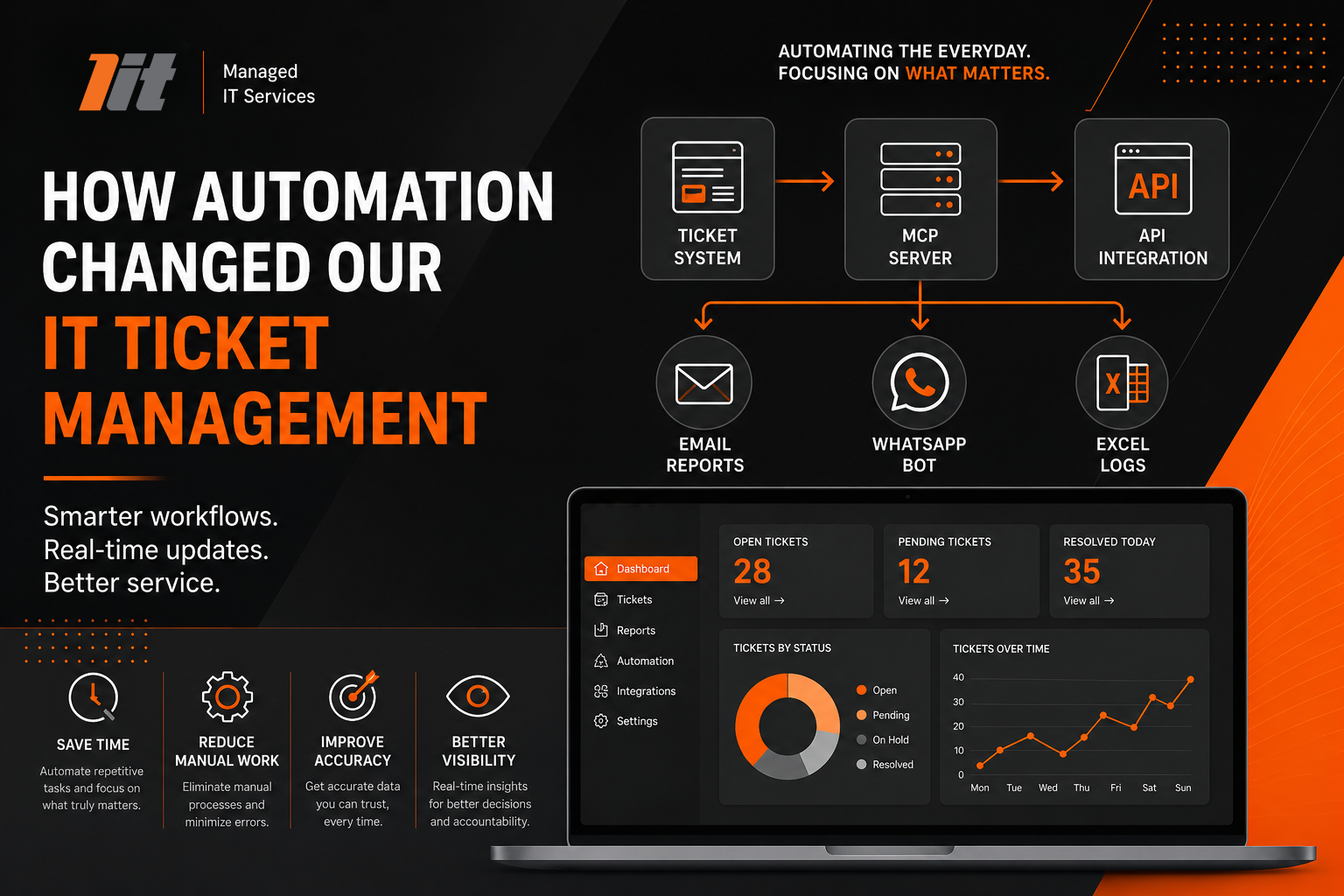
At 1iT, we built an automation workflow that pulls ticket data through an MCP Server and API, logs it in Excel, and sends updates by email and WhatsApp Bot.
In IT operations, not every daily challenge starts with a complex technical issue.
Many times, the challenge is much simpler: collecting information, organizing it, documenting it, and sending it to the right people at the right time.
For an MSP, this type of work happens every day. Teams need to track open tickets, closed tickets, ticket status, daily activity, team workload, and operational updates. The information already exists inside the ticketing system, but using it often requires repetitive manual work.
That is where this project started.
At 1iT, we built an automation workflow that collects data from the ticketing system, processes it, documents it, and sends updates automatically by email and WhatsApp Bot.
The goal was not to replace people.
The goal was to reduce repetitive manual work, improve visibility, and help the team work in a more organized and efficient way.
What We Built
We built an automation process that connects to the ticketing system through an MCP Server and API.
The MCP Server acts as a centralized connection layer between the automation and the ticketing system. Instead of allowing every script or process to connect directly to the system, the MCP Server manages the API access in a cleaner and more controlled way.
This creates a more organized structure for:
API access
Data collection
Automation logic
Maintenance
Security and control
The server can be deployed based on the organization’s needs, including:
A physical machine
A virtual server
A cloud environment
The right setup depends on the organization’s infrastructure, internal access requirements, and security needs.
What the Automation Does
The automation collects operational data from the ticketing system and turns it into a clear daily overview.
It can pull and process information such as:
Open tickets
Closed tickets
Pending tickets
Ticket statuses
Daily ticket activity
Operational summaries for the team
After collecting the data, the system organizes it and sends updates through two main channels:
Email for structured reports and summaries
WhatsApp Bot for fast team updates
This allows the team to receive important information without manually logging into the ticketing system, exporting data, preparing reports, and sending messages every day.
Automatic Excel Documentation
A major part of the project is documentation.
The automation does not only send a temporary update. It also saves the data in a structured Excel file.
Each day, the system creates or updates a daily tab with the relevant ticket data. At the beginning of each month, it opens a new monthly file to keep the documentation clean and easy to manage.
This creates a clear operational record that can be used for:
Daily tracking
Historical review
Comparing activity over time
Internal reporting
Service improvement
Instead of losing information inside messages or manual notes, the data becomes part of an organized reporting process.
Information Security: How We Protect Client Data
When connecting automation to a ticketing system and operational client data, information security must be part of the design from day one.
In this project, the focus was not only on making the automation work, but on making sure it works in a controlled, organized, and secure way.
Access to the data is handled through the MCP Server, which acts as a centralized connection layer between the automation workflow and the ticketing system. This means API access is not scattered across multiple scripts or processes. Instead, it is managed in one structured place.
In addition, access keys and sensitive connection details are not stored directly inside the code. This creates a clear separation between the automation logic and the credentials used to connect to internal systems, reducing unnecessary risk.
The system was built according to practical information security principles:
Secure handling of access credentials
Separation between code and API keys
Access only to the data required for reports and updates
Organized documentation of saved operational data
Better control over system integrations
Ability to run the server in an environment that matches the organization’s security policy
The goal is not only to save time, but to do it without compromising privacy, security, or client trust.
For us, good automation is not only automation that runs quickly.
It is automation that is built properly, protects information, and helps the team work efficiently without giving up professional responsibility.
Email and WhatsApp Updates
In IT service operations, information needs to be accessible.
It is not enough for the data to exist somewhere inside a system. The right people need to receive it quickly and clearly.
That is why the automation sends updates in two formats:
Email reports are used for structured summaries and documentation.
WhatsApp Bot messages are used for quick operational updates that are easy for the team to see during the day.
This combination gives the team both formal reporting and fast communication.
Why It Matters for an MSP
In an MSP environment, response time, visibility, and documentation have a direct impact on service quality.
Even small manual tasks can become time-consuming when they repeat every day.
This automation helps the team:
Save time
Reduce manual work
Lower the chance of human error
Improve operational visibility
Keep daily documentation organized
Send consistent updates
Track service activity more effectively
For clients, the value is not in the code behind the automation.
The value is in the result: better organization, faster awareness, and a more consistent service process.
Automation Does Not Replace People
This project was not built to replace technicians, service managers, or IT professionals.
It was built to support them.
Automation is most valuable when it removes repetitive work from the team and allows people to focus on what actually matters: handling tickets, solving problems, improving service, and supporting clients.
The system does not make professional decisions instead of the team.
It simply collects, organizes, documents, and distributes the information faster and more consistently.
Conclusion
This project proves that automation does not have to be large or complicated to create real value.
A practical connection between a ticketing system, MCP Server, API, Excel, email, and WhatsApp Bot can significantly improve the daily workflow of an MSP team.
The real value of automation in IT is not replacing people.
It is giving skilled professionals better tools to work faster, stay organized, and deliver better service.
Related posts

What Is Shadow AI? Risks, Policy and Data Controls
Unapproved AI use can expose company data. Set practical rules for approved tools, sensitive information, access and incident response.
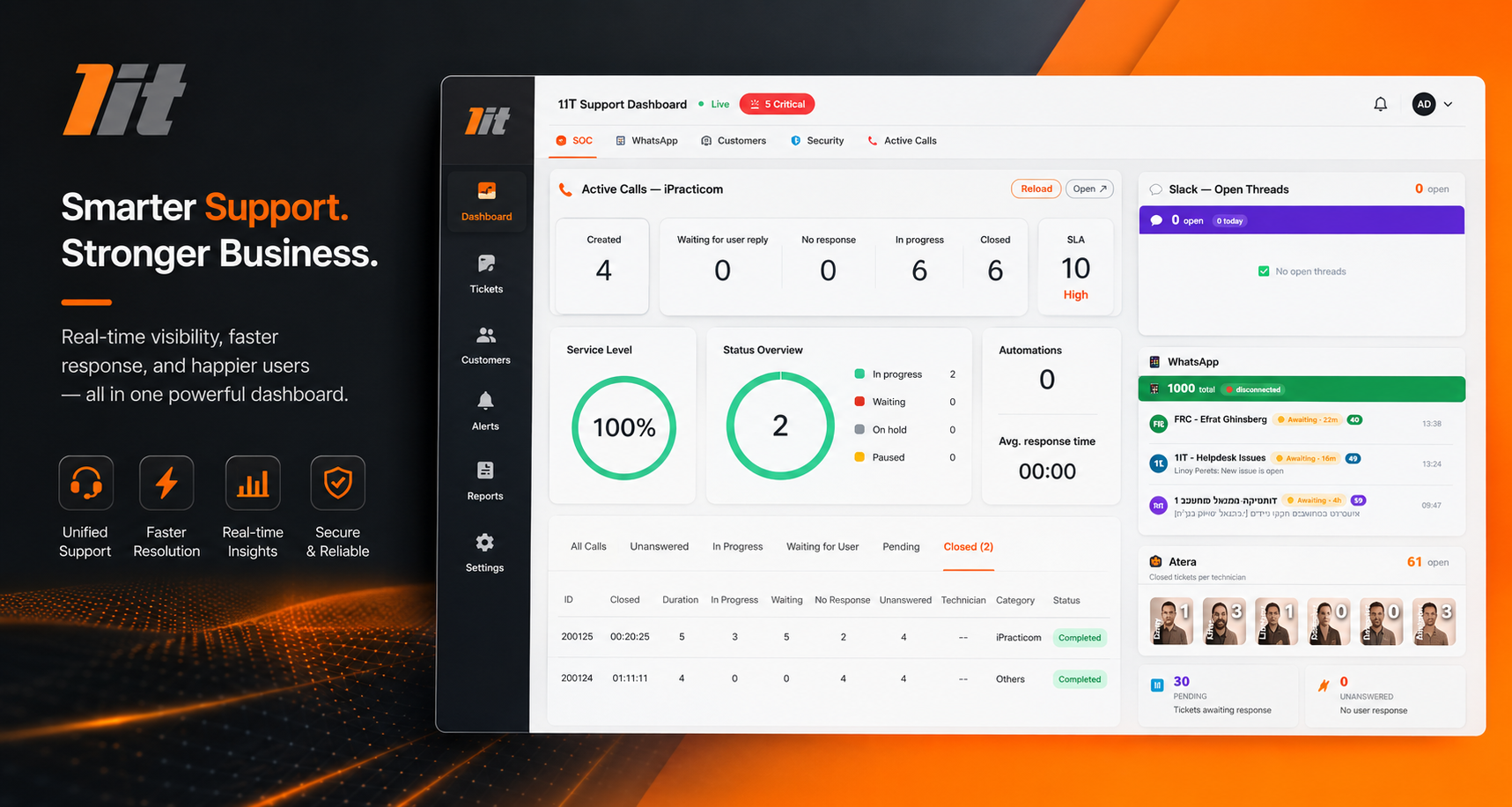
How I Built an Internal SOC Dashboard for Our Support Team
Discover how 1iT built a zero-cost internal SOC dashboard to centralize information from various systems, improving efficiency and client support for MSPs.
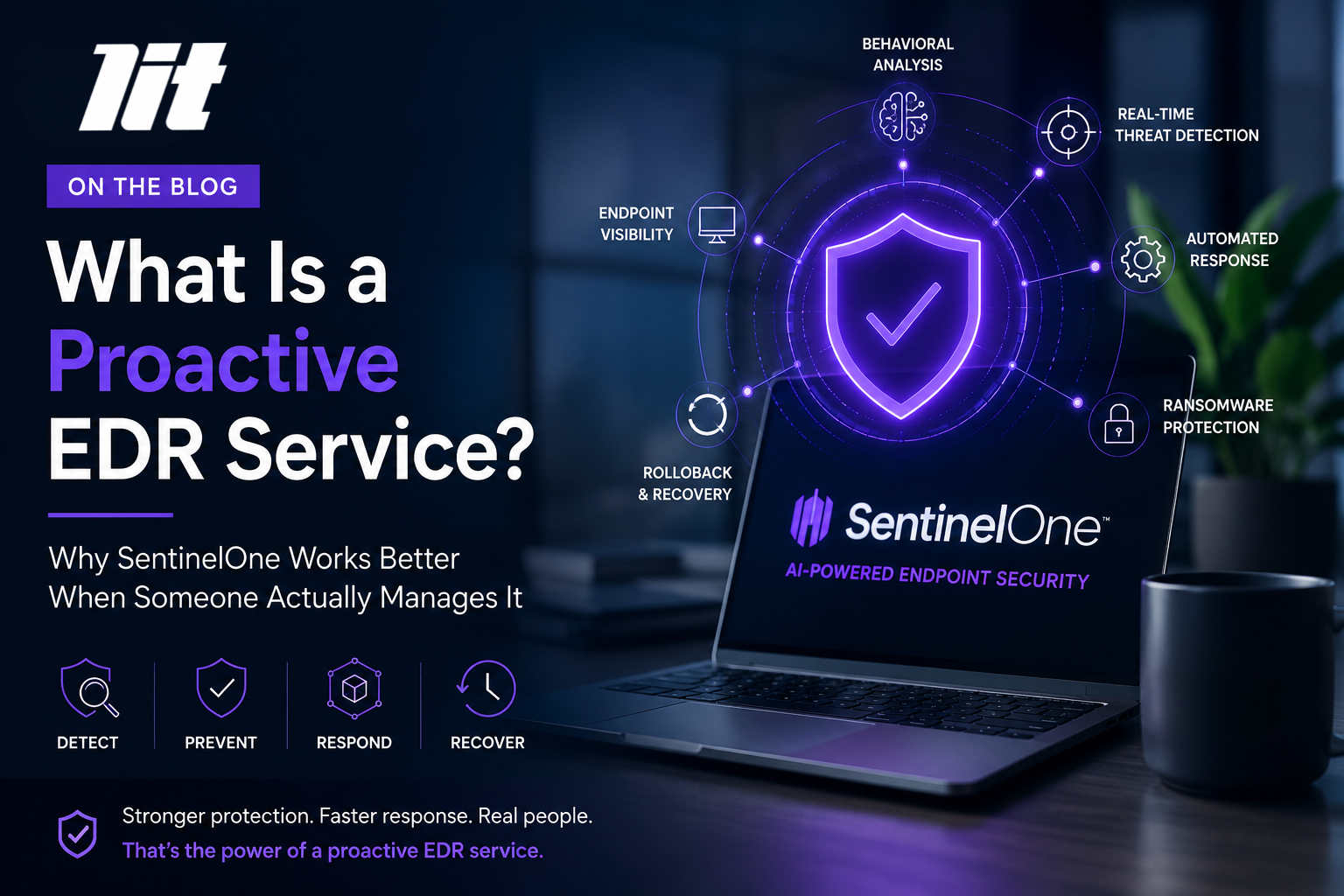
What Is a Proactive EDR Service? Why SentinelOne Works When It's managed
A proactive EDR service is not just endpoint security software. It is a managed security approach that combines an advanced EDR solution like SentinelOne with human monitoring, policy tuning, alert review, threat response, and ongoing improvement.