
What Is Shadow AI? Risks, Policy and Data Controls
Unapproved AI use can expose company data. Set practical rules for approved tools, sensitive information, access and incident response.

Employees can expose confidential company information when they upload files or paste customer details into unapproved AI tools. Without an inventory and clear data rules, managers cannot reliably assess those disclosures. Managing Shadow AI starts with identifying actual use, approving specific workflows and controlling the information employees share.
It can be as simple as an employee using a public chatbot to summarize a contract, write code, analyze sales data, translate customer emails, or generate meeting notes. These actions are often not malicious. In many cases, they are driven by productivity, curiosity, or pressure to move faster.
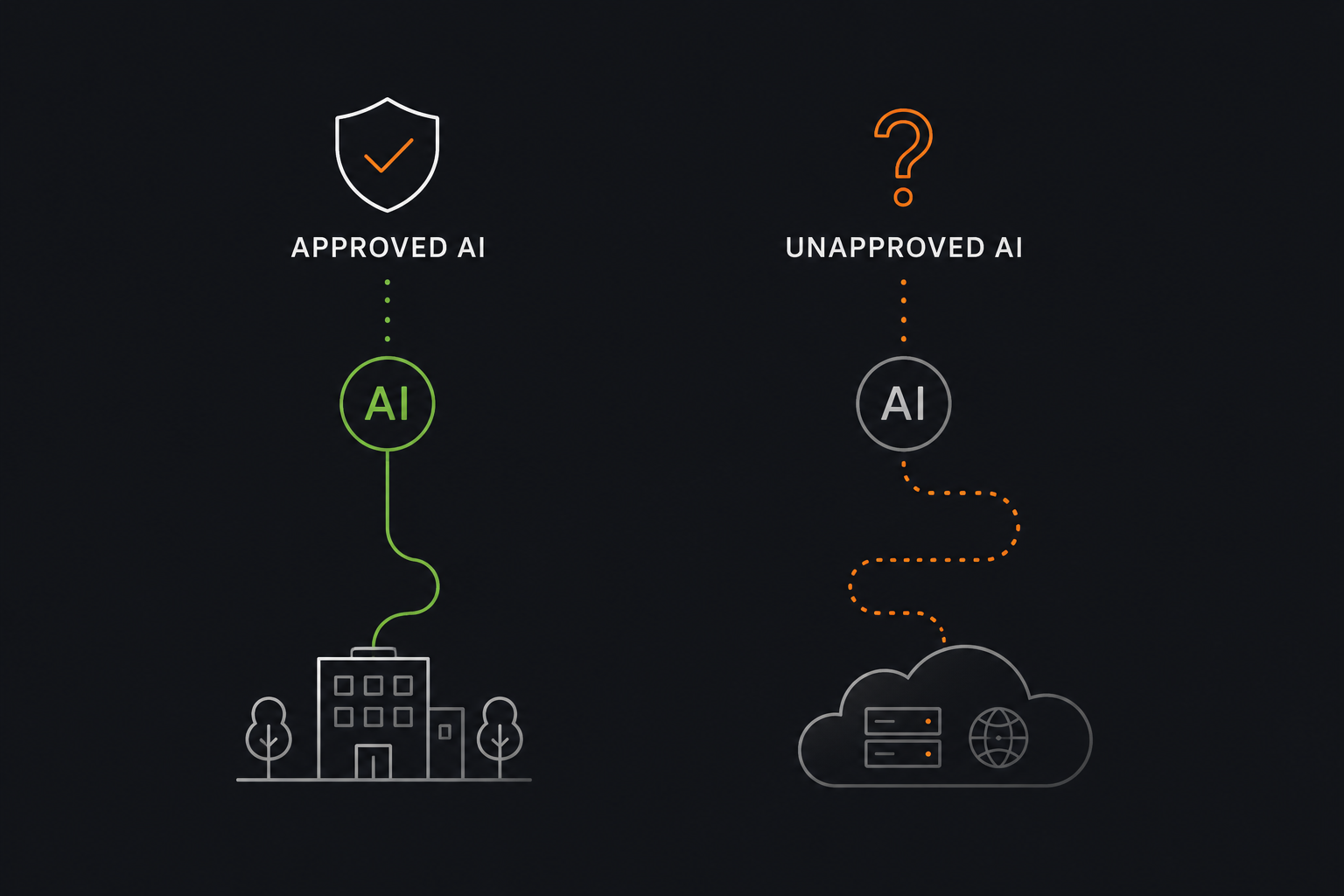
Where unapproved AI use creates blind spots
Each action may seem harmless in isolation. But together, they create a growing blind spot: company data flowing into systems the business may not know about, cannot monitor, and does not control.
For example, a marketing employee might paste an unpublished proposal into a personal AI account. A finance employee might upload a spreadsheet containing bank details, while a meeting assistant might request access to recordings and calendars. These are illustrative workflows, each requiring a decision about the account, the data and the permissions involved.
Include embedded AI features and connected applications in the review. Approval for a writing task should not automatically authorize access to a shared drive, mailbox or customer database.
Assess the risks by data and business use
Data leakage and retention
When employees paste internal documents, customer records, source code, financial details, or strategic plans into unapproved AI tools, that data may be stored, processed, or used in ways the company does not understand. Even when the tool provider has reasonable security controls, the organization still loses visibility over where the data went and who may access it.
Before approval, record the provider's terms for the exact account and service being evaluated: retention, deletion, model training, administrator access and connected data sources. Treat a claim about one account type as insufficient evidence for another. Assign someone to verify the terms and settings rather than relying on an employee's assumption that a paid account is suitable.
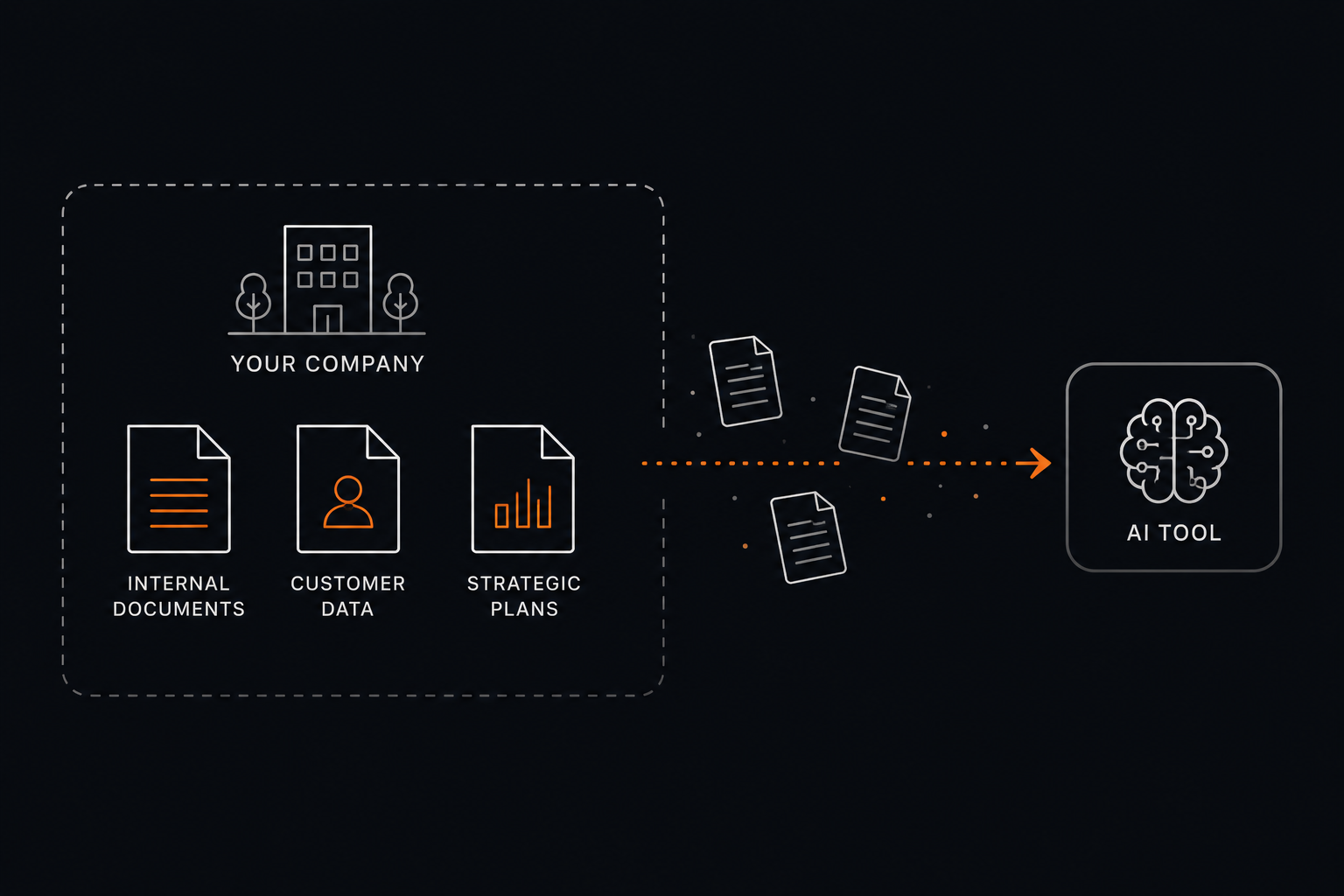
Privacy and contractual review
For an Israeli business, require privacy or legal review before approving workflows that send personal information to an external AI provider. Ask the reviewer to determine which Israeli privacy obligations apply to the specific information and processing, whether overseas processing needs further assessment, and whether customer contracts permit the proposed disclosure. Document the decision and any restrictions; a technical approval should not substitute for this review.
Inaccurate output
AI tools can sound confident while being wrong. They may invent facts, misinterpret data, or produce recommendations that appear credible but are flawed. If employees use those outputs without review, the business may make decisions based on information that was never verified.
Name the reviewer for each approved workflow. A finance reviewer should check calculations against the source records; a developer should review and test generated code; a customer-facing document should be checked for accuracy and unintended disclosure before it is sent.
Intellectual property exposure
Source code, product roadmaps, designs, proposals, and internal methodologies are valuable assets. Once they are shared with external tools without approval, the company may face uncertainty over confidentiality, ownership, and future use of that information.
Missing accountability
If no one knows which tools are being used, what data is being shared, or what outputs influence business decisions, there is no clear audit trail. When something goes wrong, the organization may struggle to understand how it happened.
Build an inventory before setting restrictions
Organizations need to understand which AI tools are being used across the business. This includes browser-based tools, AI writing assistants, coding assistants, meeting transcription tools, plugins, and SaaS platforms with embedded AI features.
Ask department managers to list their AI workflows, then compare those answers with available application, identity and network records. For each tool, record a business owner, account type, users, data categories, connected systems and approval status. Give employees a straightforward way to disclose existing use and request an alternative.
Microsoft's AI discovery guidance describes application discovery and monitoring of sensitive information shared through supported channels. Check licensing, device coverage and configuration before relying on those controls. A record of a visit to an AI website does not by itself establish what information was submitted.
For application discovery and assessment, see Shadow AI management. Define the visibility your business needs before selecting a tool.
Make the AI policy usable during everyday work
Employees need simple rules, not a 40-page document no one reads. A strong AI usage policy should clearly define what types of data may be used, which tools are approved, which use cases are prohibited, and when human review is required.
Publish an approved-tool list that names the permitted company account and workflow, along with these working rules:
- Public material: allow only approved uses, such as drafting from already published product information.
- Internal material: require approval for the specific data category and service before uploading it.
- Personal or confidential information: keep it out of unapproved tools; route exceptions through the designated business, IT and privacy reviewers.
- Passwords, access tokens and private keys: prohibit submission in prompts, attachments and code samples.
- Connected applications: require IT review before granting access to mailboxes, files, calendars or other systems.
Use synthetic examples for training. For a customer-email drafting exercise, replace the real message with an invented scenario instead of asking employees to judge which details are safe to leave in.
Approve the workflow, account and access together
Evaluate an approved service against documented requirements for access control, retention, logging and data handling. Start with a limited pilot using non-sensitive material, and test both the permitted task and the restrictions before expanding access.
Use company-managed identities where supported, restrict connectors to the resources needed for the task, and include AI accounts in employee offboarding. The identity and access management process should identify who grants access, reviews permissions and revokes them when roles change.
Microsoft's Shadow AI deployment guidance separates discovery, blocking unapproved applications, protecting data in approved applications and governing interactions. Apply that sequence to the controls available in your environment, and test their coverage rather than treating tool approval as sufficient protection.
Train staff with tasks they actually perform
Employees should understand the difference between public information, internal information, confidential data, customer data, and regulated data. They should also know that AI output must be reviewed, not blindly trusted.
Run a short exercise for each department: selecting an approved account, checking an attachment before upload, refusing an unnecessary connector permission and verifying a generated answer. Publish the reporting route beside the approved-tool list so employees know where to send a mistake or an uncertain request.
Respond when sensitive data reaches an unapproved tool
If the event requires specialist investigation, use the established escalation route for cyber incident response. Keep one incident owner responsible for coordinating technical findings and management decisions.
Assign ownership and review changes
AI is changing too quickly for a one-time policy to be enough. Organizations need a recurring process to evaluate new tools, approve business use cases, review risks, and update controls.
Set a monthly review of new requests, unapproved applications, access exceptions and reported incidents. Reassess an existing approval when the provider's terms, connected systems or intended data use change. Track whether discovered tools have owners and whether access restrictions work in practice.
Begin with one accountable manager, an inventory and a published data policy. Use the first pilot to establish a repeatable approval process before extending AI access to more sensitive workflows.
Related posts
Automation Changed Our IT Ticket Management
At 1iT, we built an automation workflow that pulls ticket data through an MCP Server and API, logs it in Excel, and sends updates by email and WhatsApp Bot.
How I Built an Internal SOC Dashboard for Our Support Team
Discover how 1iT built a zero-cost internal SOC dashboard to centralize information from various systems, improving efficiency and client support for MSPs.