PHP2Shell: What to Ask Your Business Website Host Today
A message to send your host, PHP patch versions and an evidence checklist to verify the fix and test leads, orders and payments.

Your business website is still receiving enquiries and orders, but your host’s response about PHP2Shell does not yet establish whether your site has been patched. Even a site that appears to work normally and an updated WordPress installation require a separate check of the server environment. Send the following request today, and close the task only after receiving technical confirmation and completing business checks.
Message to copy to your hosting provider
Hello, please check the domain ______, its subdomains and the other websites in this account for CVE-2026-109618 and CVE-2026-109619. Please provide the full PHP version and package revision actually serving each site, the runtime environment and all servers involved. Attach evidence that the patch covers both vulnerabilities, the completion date or target date for patching, and a named owner. Specify which restart actions are required by the package and vendor instructions, and confirm that they have been completed and that the site’s environment has been verified after the change. Also specify who is responsible for backups, compatibility checks and checks for signs of compromise.
The business risk and systems to check
Leaving PHP vulnerable may cause downtime, information exposure and manual work for sales and service teams. PHP2Shell is the name given to two vulnerabilities in the PHP runtime. When the conditions for exploitation are met, an attacker may run code on the server without logging in, with the permissions of the website process.
CVE-2026-109618 concerns improper handling of a memory allocation failure; CVE-2026-109619 concerns internal state that continues to reference request memory that has already been freed. The risks include code execution and information exposure, depending on the exploitation path and configuration. The PHP advisories detail the conditions for each vulnerability: handling memory allocation failures and internal state retained between requests. Do not assume that every site can be exploited in the same way.
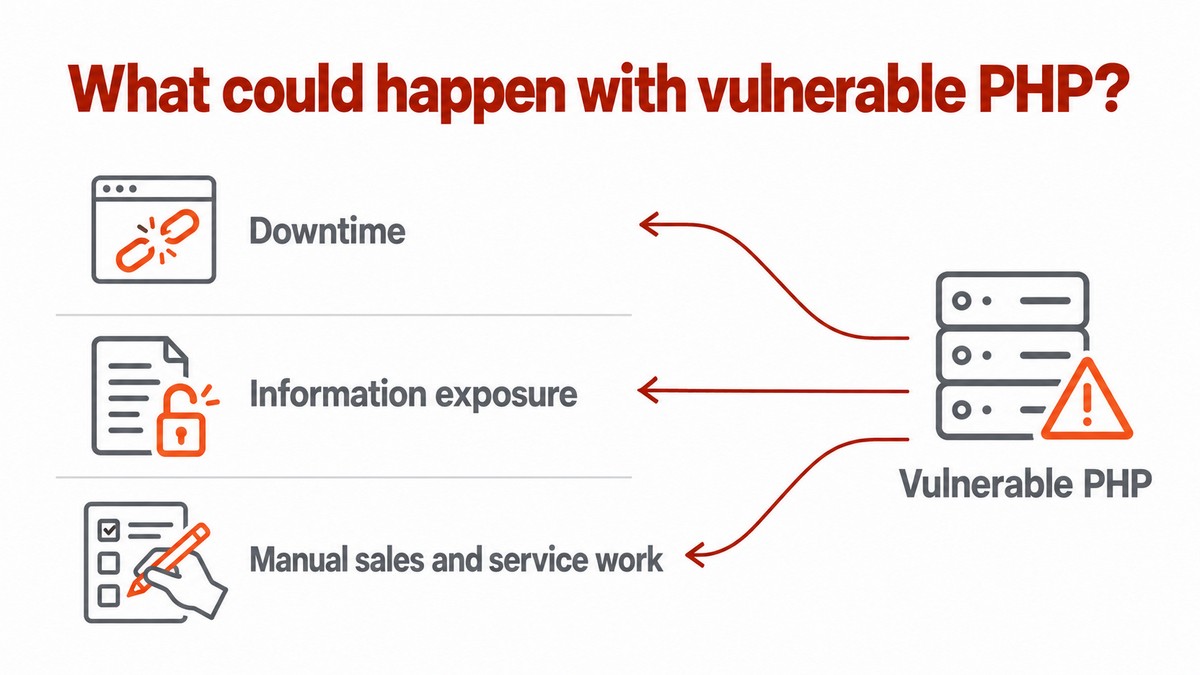
Check WordPress and WooCommerce sites, other PHP applications, company websites, stores and customer portals. An incomplete order, a missing lead or exposed credentials may require recovery, investigation and coordination between providers. These are possible consequences, not a financial estimate or a claim that your site has been compromised.
Patching steps and verification of the active environment
Ask the provider to confirm that the patch applies to the PHP environment actually serving the site. Restart and verification actions must follow the package and vendor instructions.
1. Map the active environment
Ask the host to identify the runtime environment for each domain and subdomain, the full PHP version and the installed package. Ensure that the response covers all servers serving the sites, and request confirmation of the support status of each branch in use.
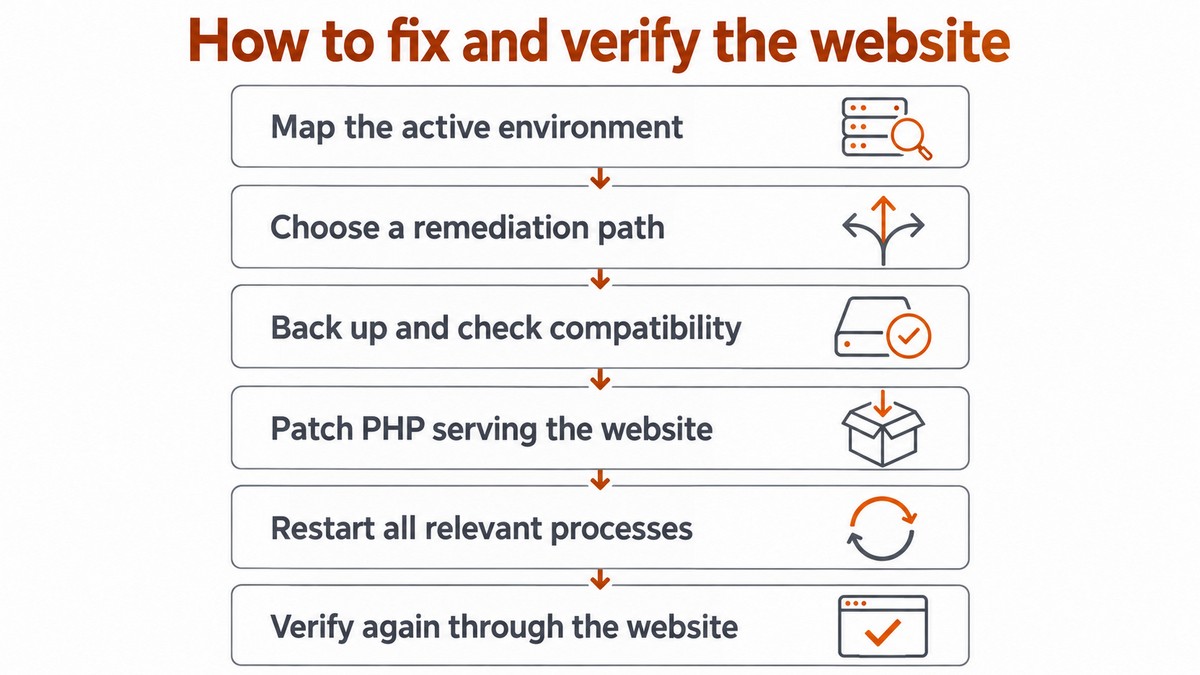
2. Choose a patching route
The PHP advisories for CVE-2026-109618 and CVE-2026-109619 identify the first fixed releases shown in the following table. This mapping covers branches 8.2–8.5 and the two original vulnerabilities; it does not establish that older branches are unaffected.
PHP branch | Versions in the branch affected by both vulnerabilities | First release fixing both vulnerabilities |
|---|---|---|
8.2 | Before 8.2.35 | 8.2.35 |
8.3 | Before 8.3.36 | 8.3.36 |
8.4 | Before 8.4.27 | 8.4.27 |
8.5 | Before 8.5.12 | 8.5.12 |
Ask the provider to select a patched package suitable for the environment and attach evidence covering both vulnerabilities. If a move to another branch is required, plan compatibility testing with the developer before making the change.
3. Back up and check compatibility
Agree with the developer on a backup of files and the database, a recovery method and testing on a separate copy wherever possible. If an old plugin blocks an upgrade from 7.4 or 8.1, request a maintained alternative or a verified vendor fix. If no patching route is available, agree with the host on restricted access or temporary downtime and escalate to the business decision-maker.
4. Follow the restart instructions and verify the result
Ask the provider to perform the restart actions required by the package and runtime environment instructions, and to verify after the change that the site is using the patched package. Keep the completion confirmation and verification evidence with the provider’s response.
Provider’s response | What it establishes | Required evidence or action |
|---|---|---|
“Updated” | Only a completion statement has been provided | Request evidence of the patch and verification that the patched package is serving the site |
“We have a WAF” | The provider reports filtering; PHP patching has not been established | Request evidence of PHP patching and details of the filtering coverage and limitations |
“The version is hidden” | Visitors are not shown a version number; patching has not been established | Request internal evidence from the site’s environment |
“There is a vendor fix” | A patch has been reported; supporting evidence is required | Request a package revision and vendor advisory covering both vulnerability identifiers |
Request evidence of PHP patching alongside details of the filtering measures the provider applies. Do not close the task based solely on a statement that filtering is in place.
The Red Hat advisory also describes a related vulnerability, CVE-2026-115560, which requires an unusual combination of configuration and application code. According to the advisory, disabling session-based file upload progress tracking protects against it. Ask the provider to check the product guidance for the appropriate setting and its implications for the site. This action must not be treated as confirmation that the two original vulnerabilities have been patched.
Responsibilities and completion criteria
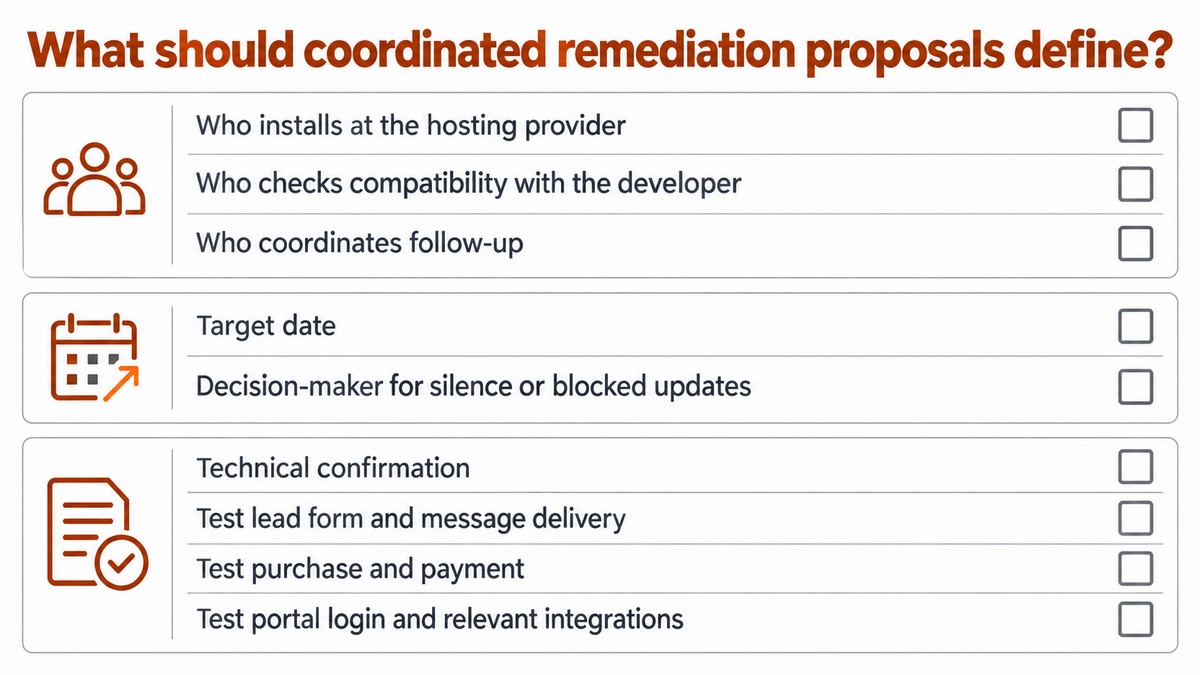
When the site depends on separate hosting, development and IT providers, define in the service agreement who performs each task. When considering business IT support, check which tasks the proposal includes and which require separate coordination with the host and developer.
- Ownership and target date: Assign an owner to each task, set a target date and identify who has authority to make decisions if there is a delay.
- Business checks: Test the lead form and delivery of its notification, purchasing and payment, portal login and relevant integrations.
- Review of prior exposure: Define who retains logs and who checks for signs of compromise. Patching does not prove that no compromise occurred.
- Evidence retention: Collect the provider’s response and test results in the task record before closing it.